Innomesh v3.0.0
Released to production on 19/05/2023, this version introduced several significant features and enhancements to the platform.
New Features
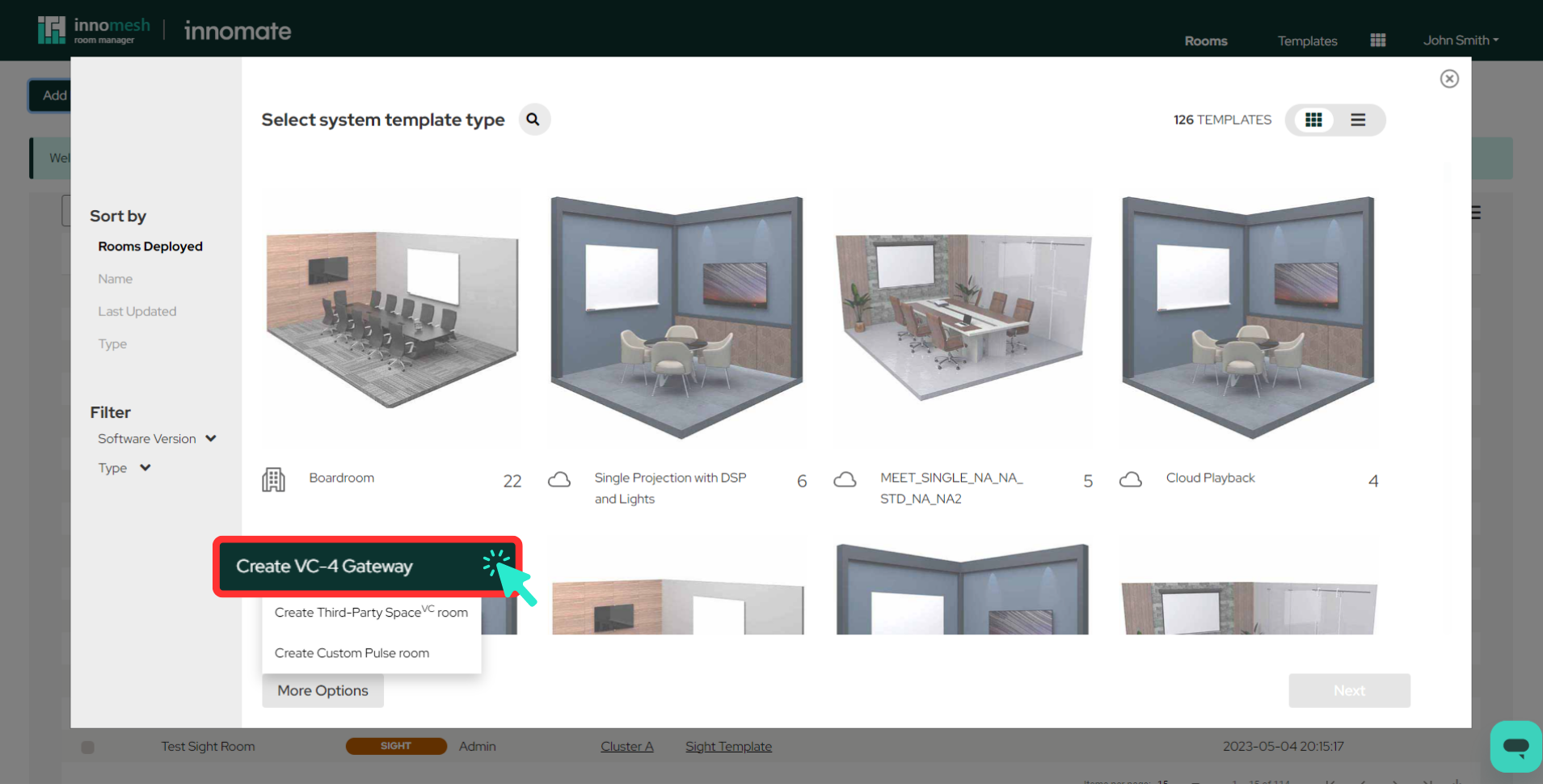
VC-4 Gateway
A new integration now available in preview in selected tenancies allows Crestron VC-4 devices to connect natively with Space CE rooms. This bridge enables Crestron devices to operate alongside other vendors’ equipment while reducing costs for standardised room deployments.
Sight
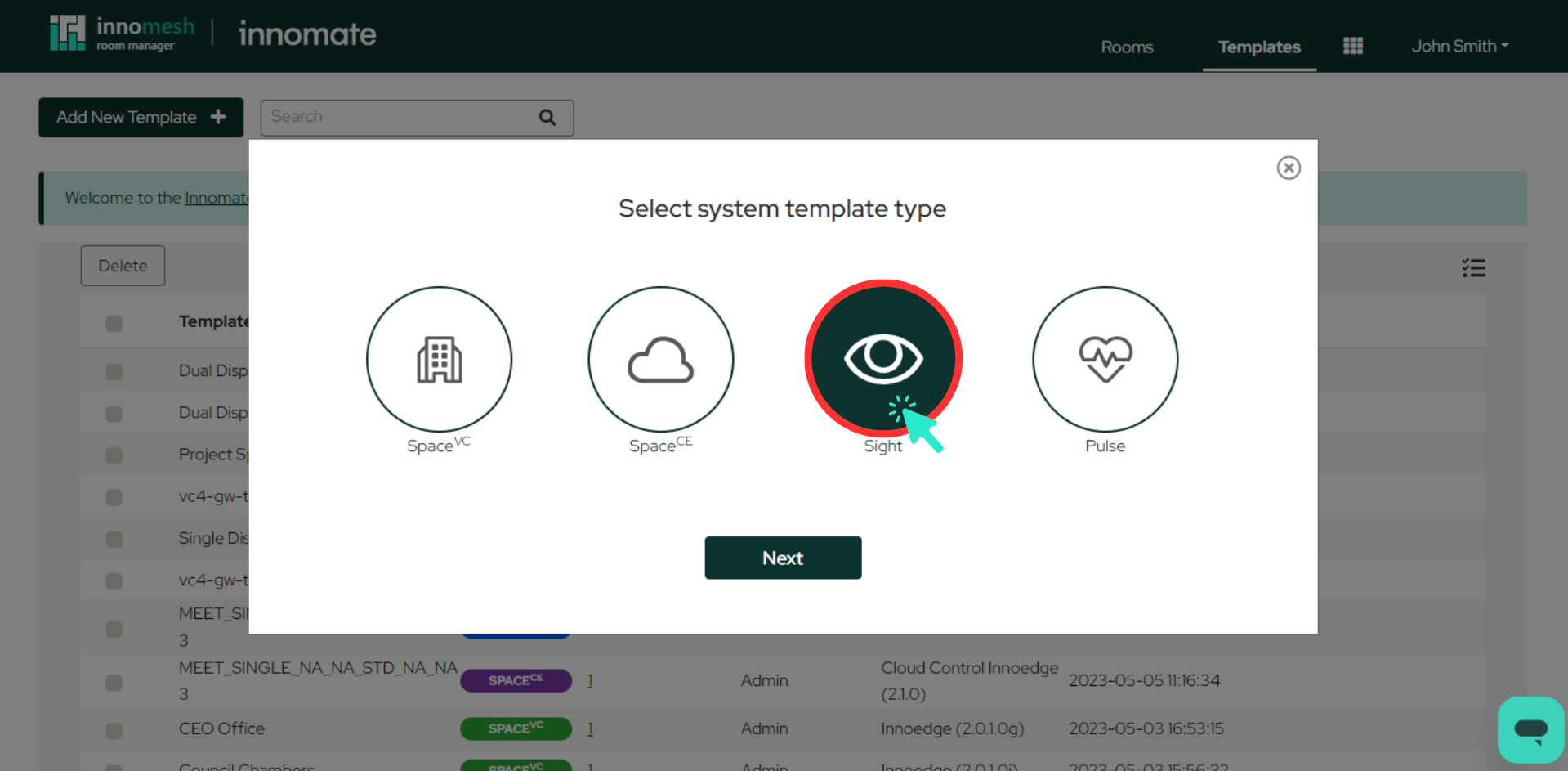
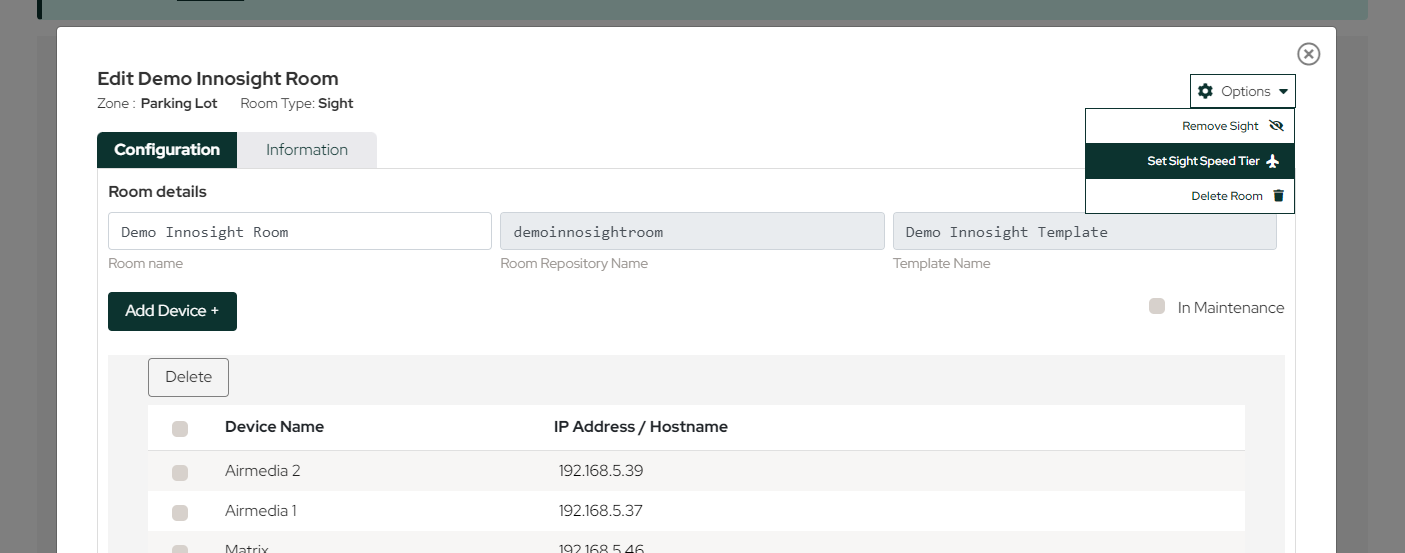
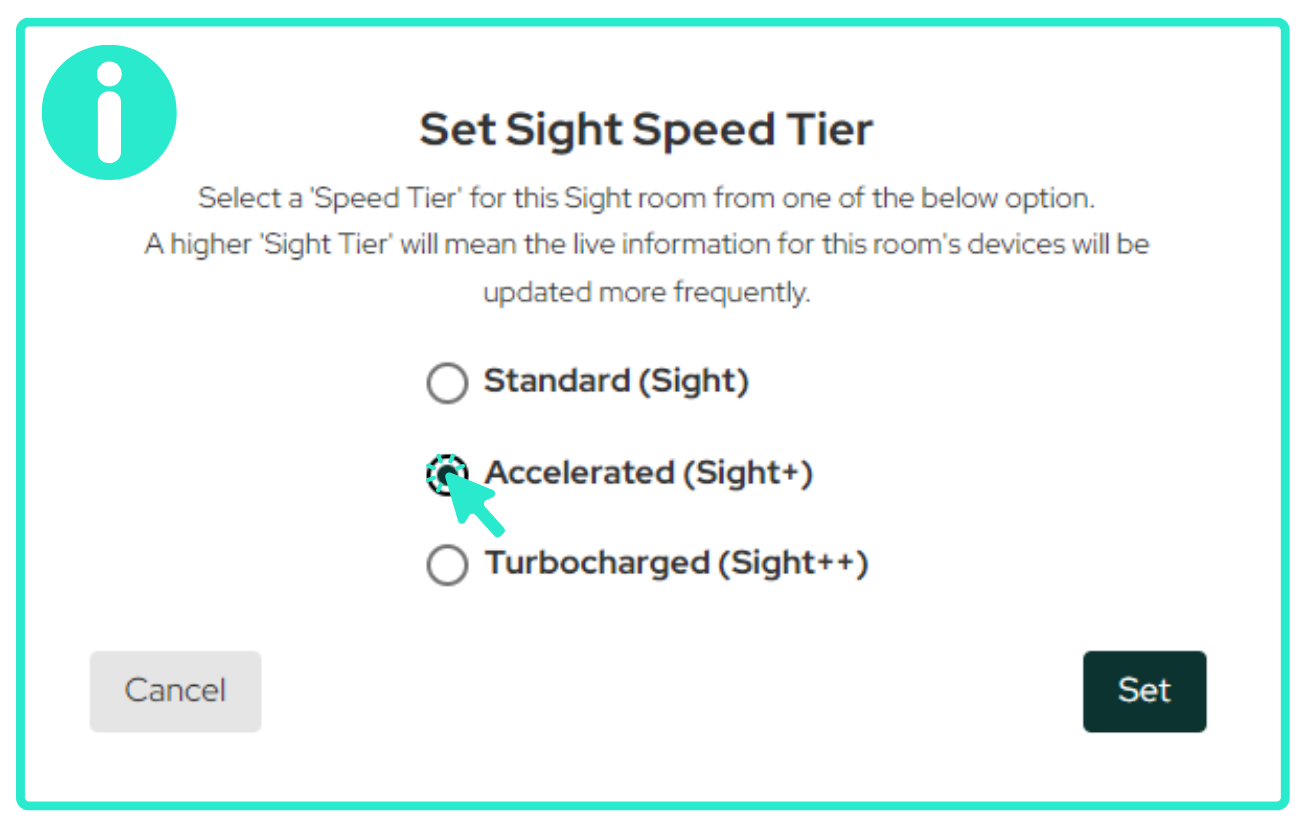
The new Sight product focuses on AV and IoT device data collection, now available in preview in selected tenancies. Users can select from three performance tiers:
- Standard (Sight): Basic data gathering.
- Accelerated (Sight+): Faster device queries.
- Turbocharged (Sight++): Most frequent updates and comprehensive device insights.
Integrated Zendesk Help
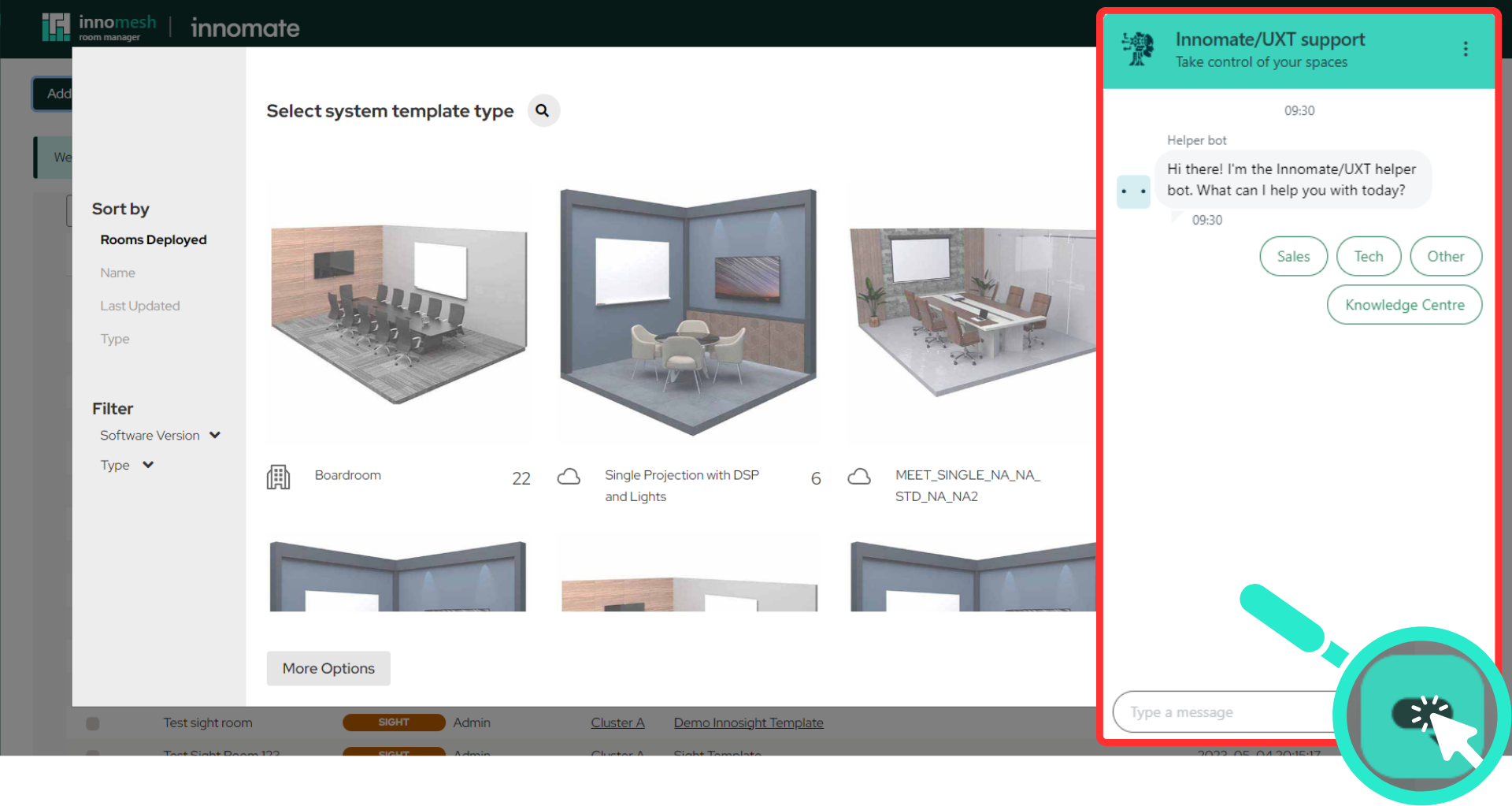
Help resources are now embedded in both Room Manager and Portal interfaces, offering knowledge base access, live chat support during business hours, and direct ticket submission capabilities.
Consumption Dashboard
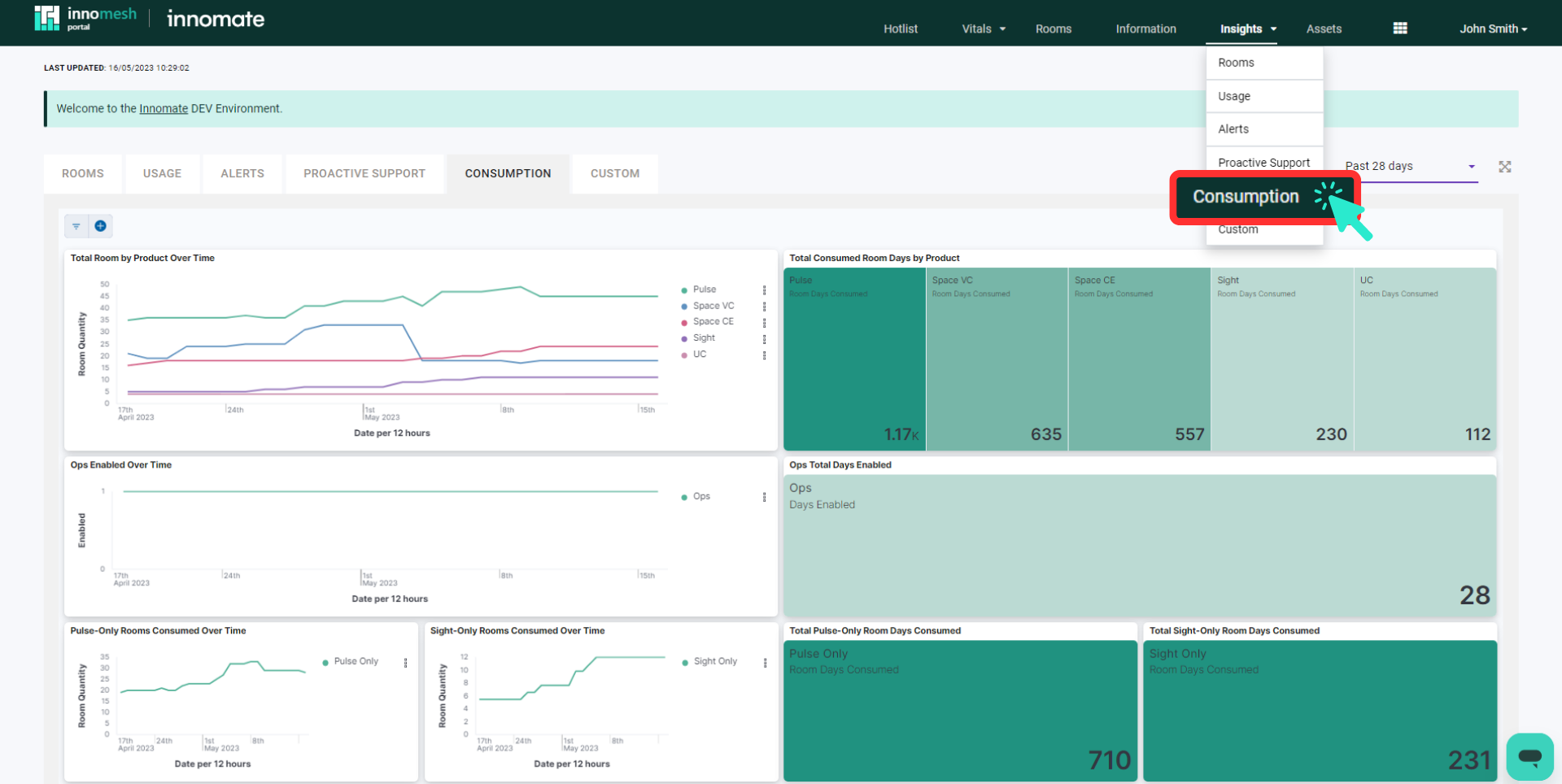
A new dashboard under “Insights” displays current usage metrics including counts of Space, Sight, and Pulse rooms plus active add-ons.
Enhancements
Unified Room Manager Workflow
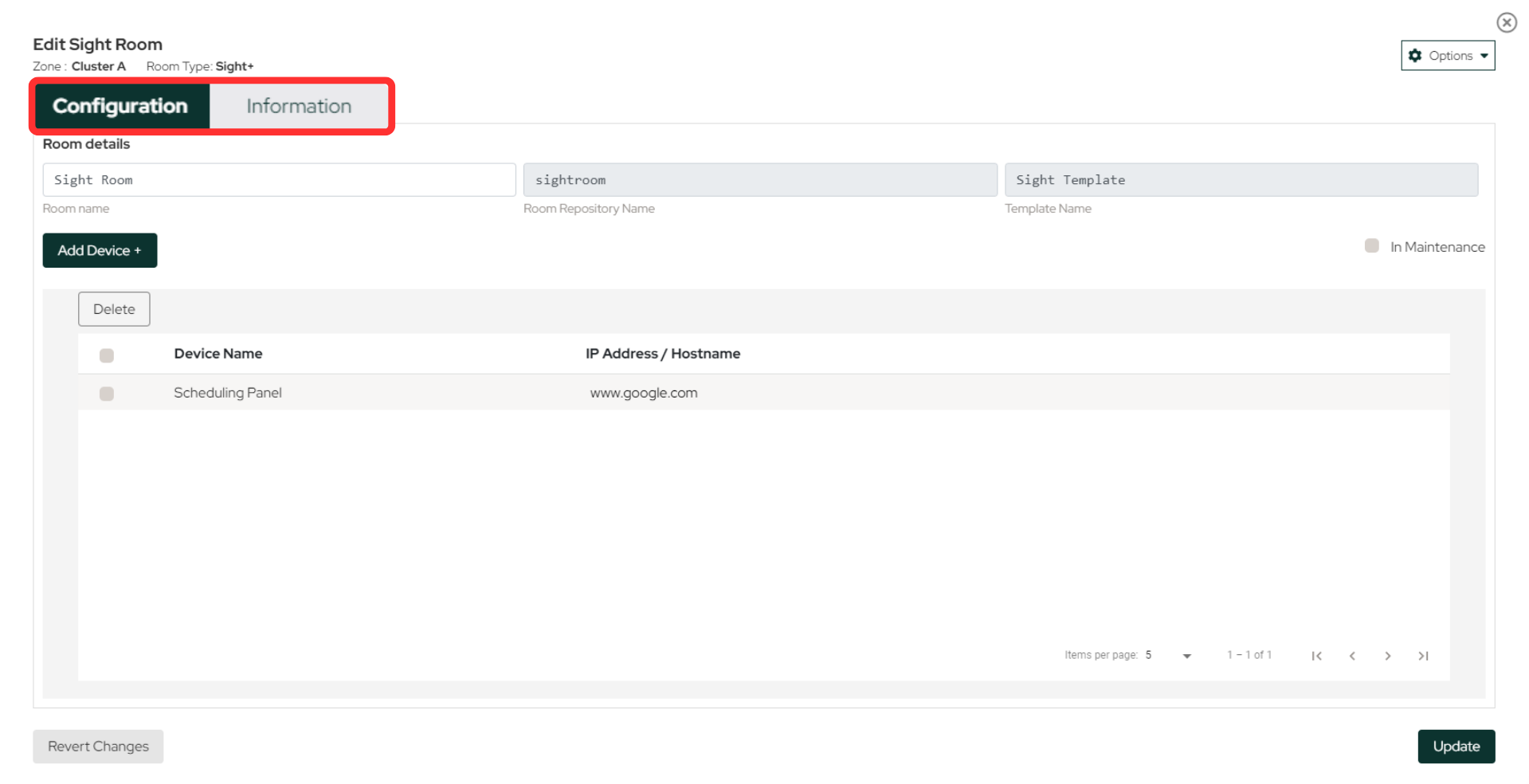
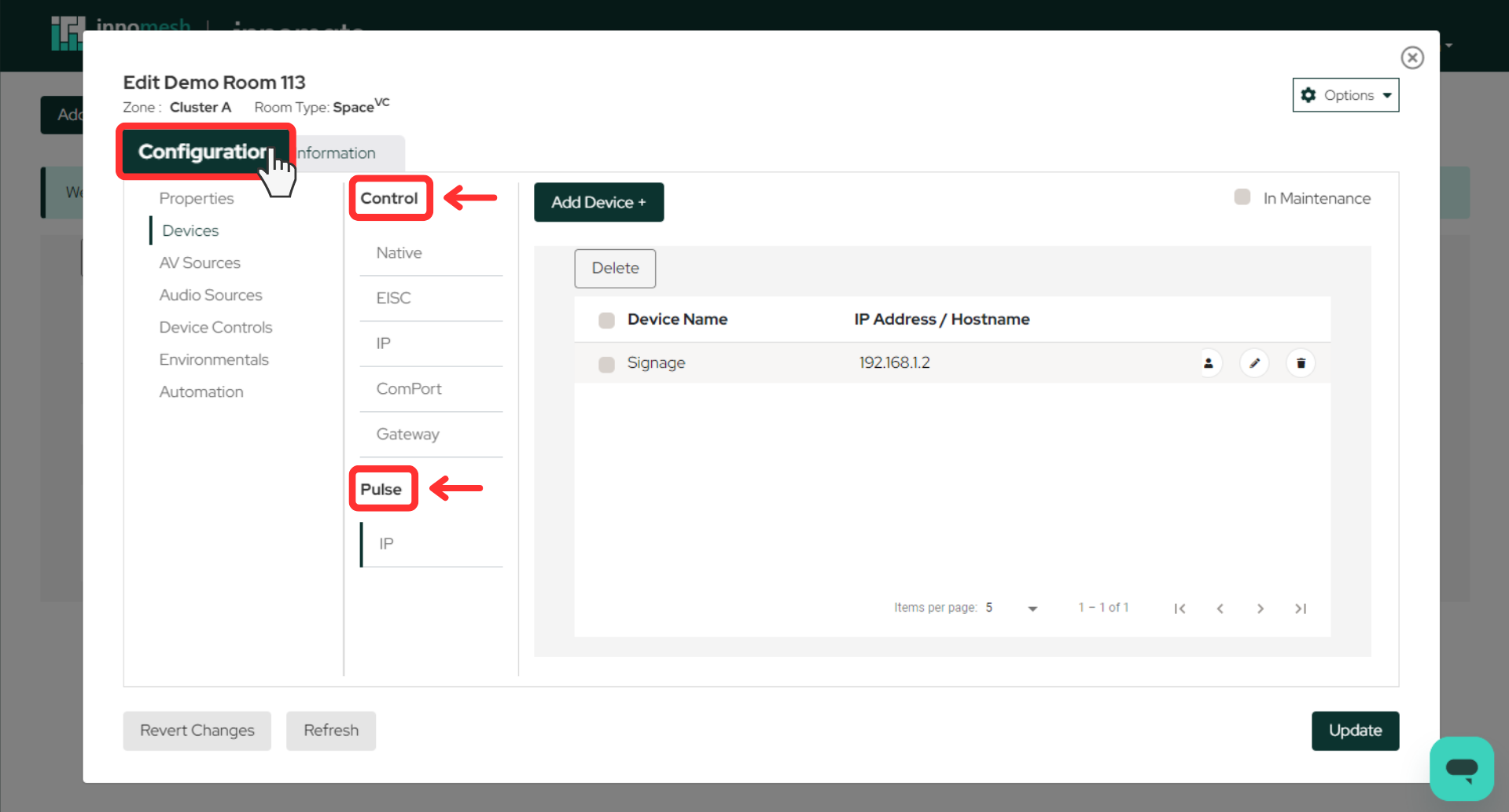
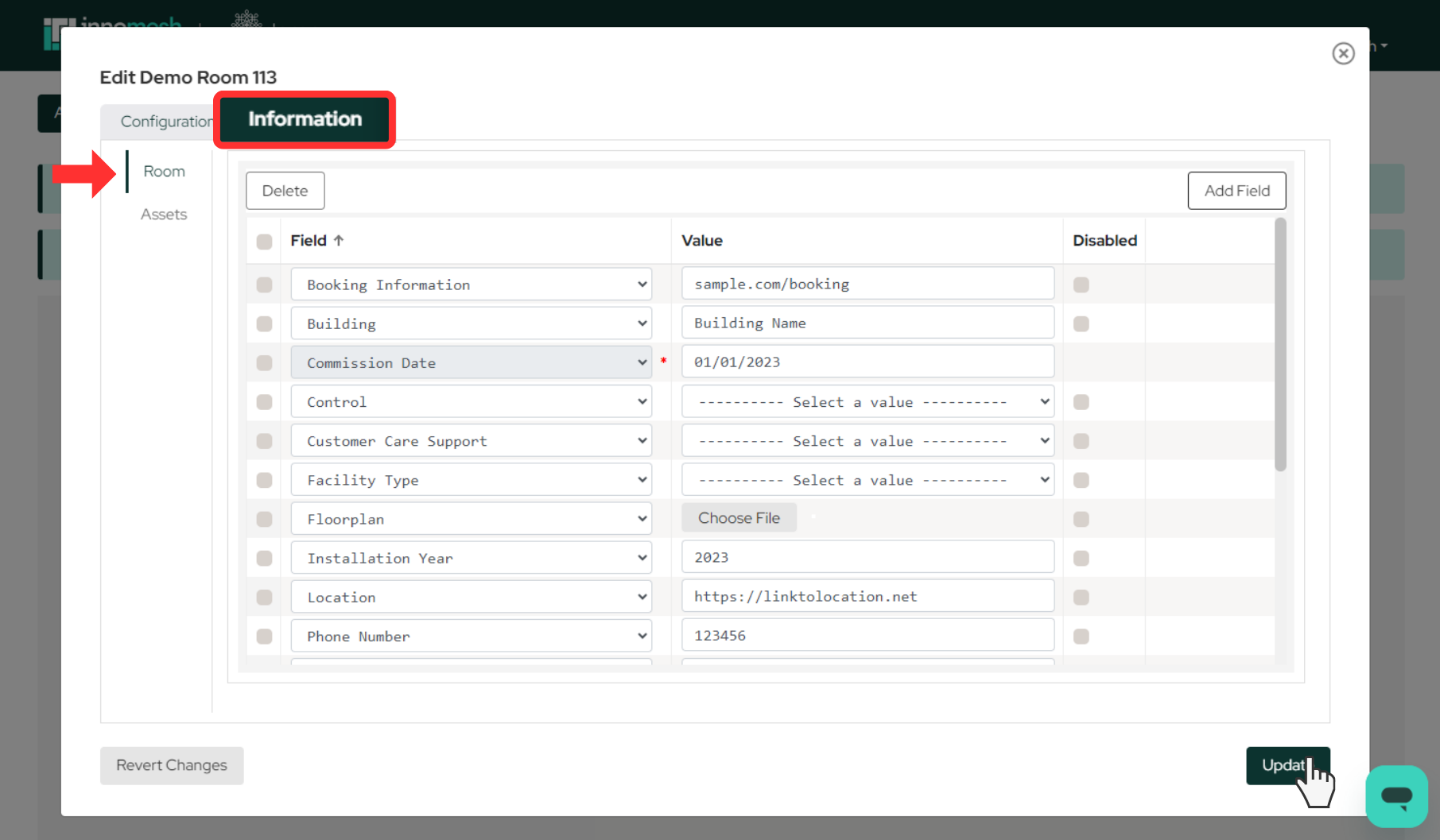
Room onboarding now combines Space, Sight, and Pulse configuration in a single workflow with dedicated tabs for “Configuration” and “Information” sections.
- Configuration lets technical users onboard room configurations required to deploy control and monitoring workloads. Multi-product rooms (for example, Space + Pulse) are deployed in a single streamlined workflow.
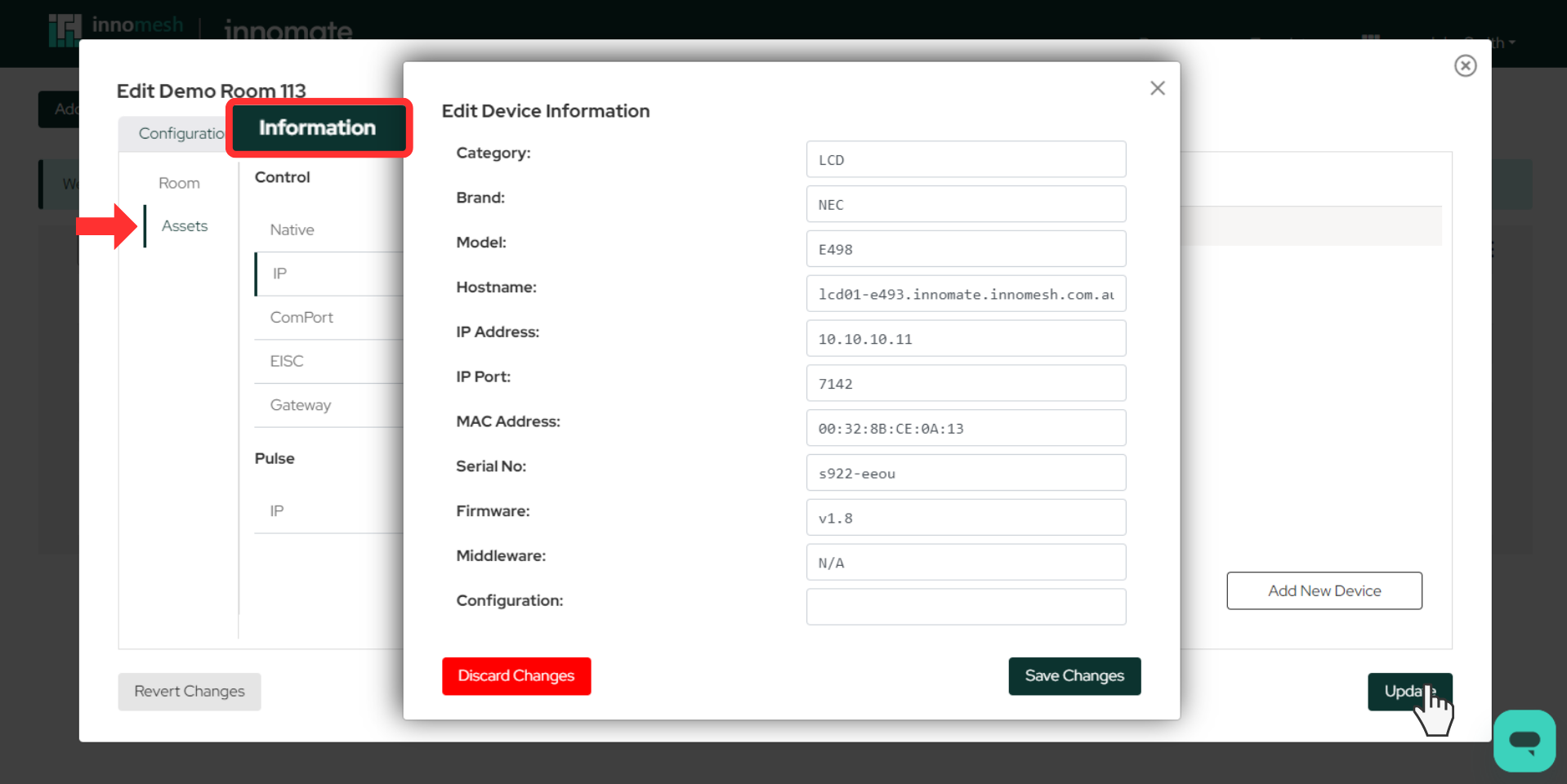
- Information lets managers set up room and device information that feeds the support views in Innomesh Portal. Asset Information can now be configured here as well, feeding the Device details when they are configured for control, monitoring, or data collection.
Navigation Menu Redesign
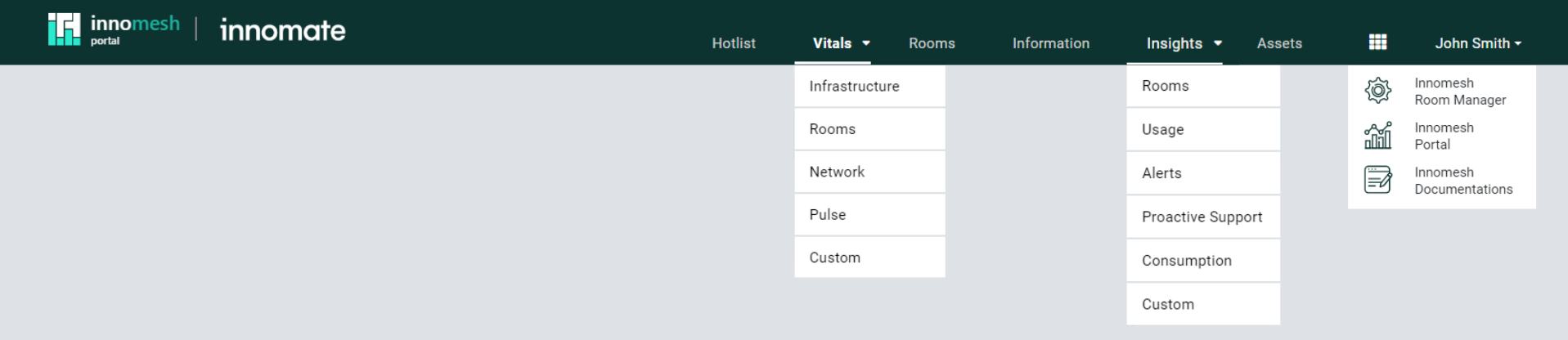
Both Portal and Room Manager feature updated navigation with an app tray for quick switching between tools and Portal submenu links for improved navigation.

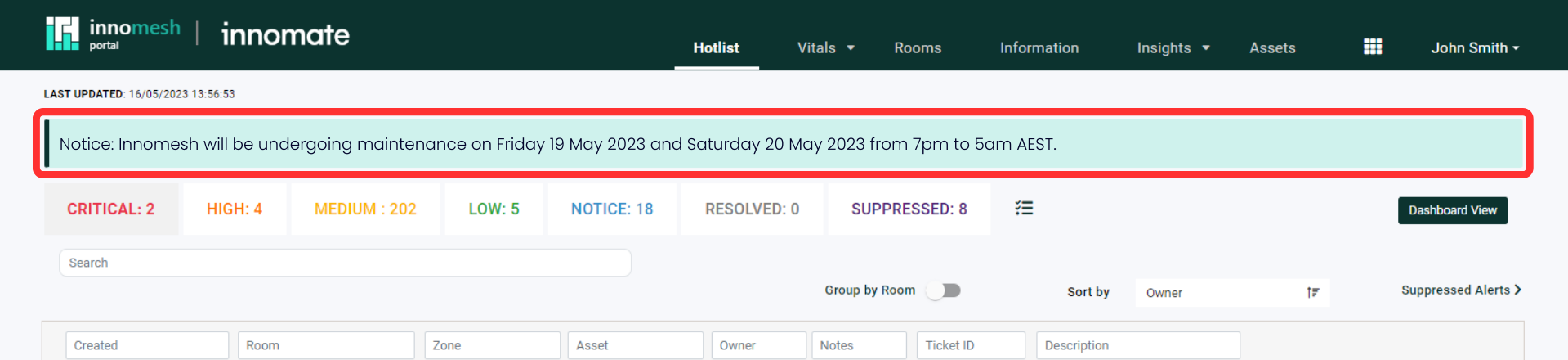
Notice Banner
A new banner notifies users about upcoming updates and scheduled maintenance events.
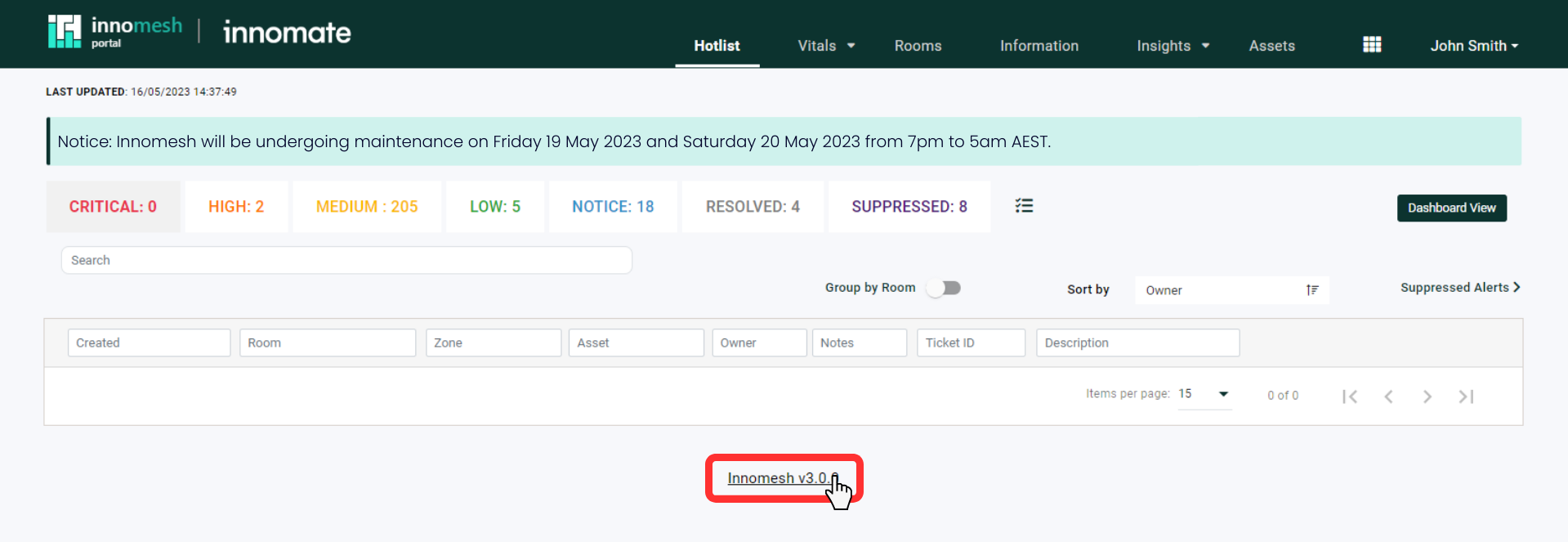
Hyperlinked Platform Version
Platform version text now links directly to release summaries.
Zoom Metrics Integration
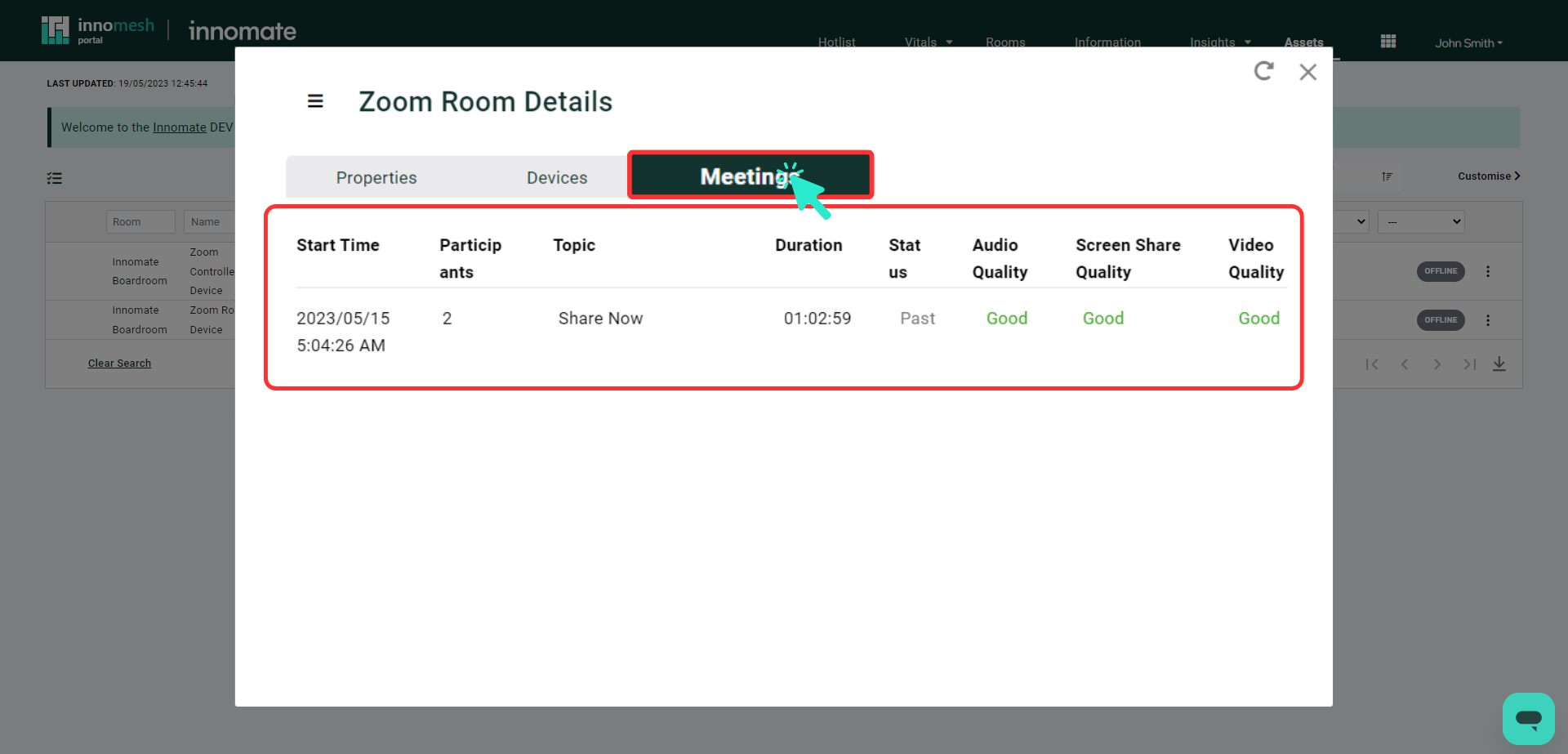
Call quality metrics are now available in the Zoom Room asset details view under the “Meetings” tab.