

The Live Status pop-up displays real-time, second-by-second data from a room or individual device within the Innomesh environment. It is useful for confirming current state during troubleshooting or verifying that a change has taken effect.
Room-Level Live Status
When opened at the room level, Live Status shows:
- Power state (on or off)
- Room name
- Occupied status
- Room type
Depending on room complexity, additional data may be displayed, such as microphone mute state and program audio levels.
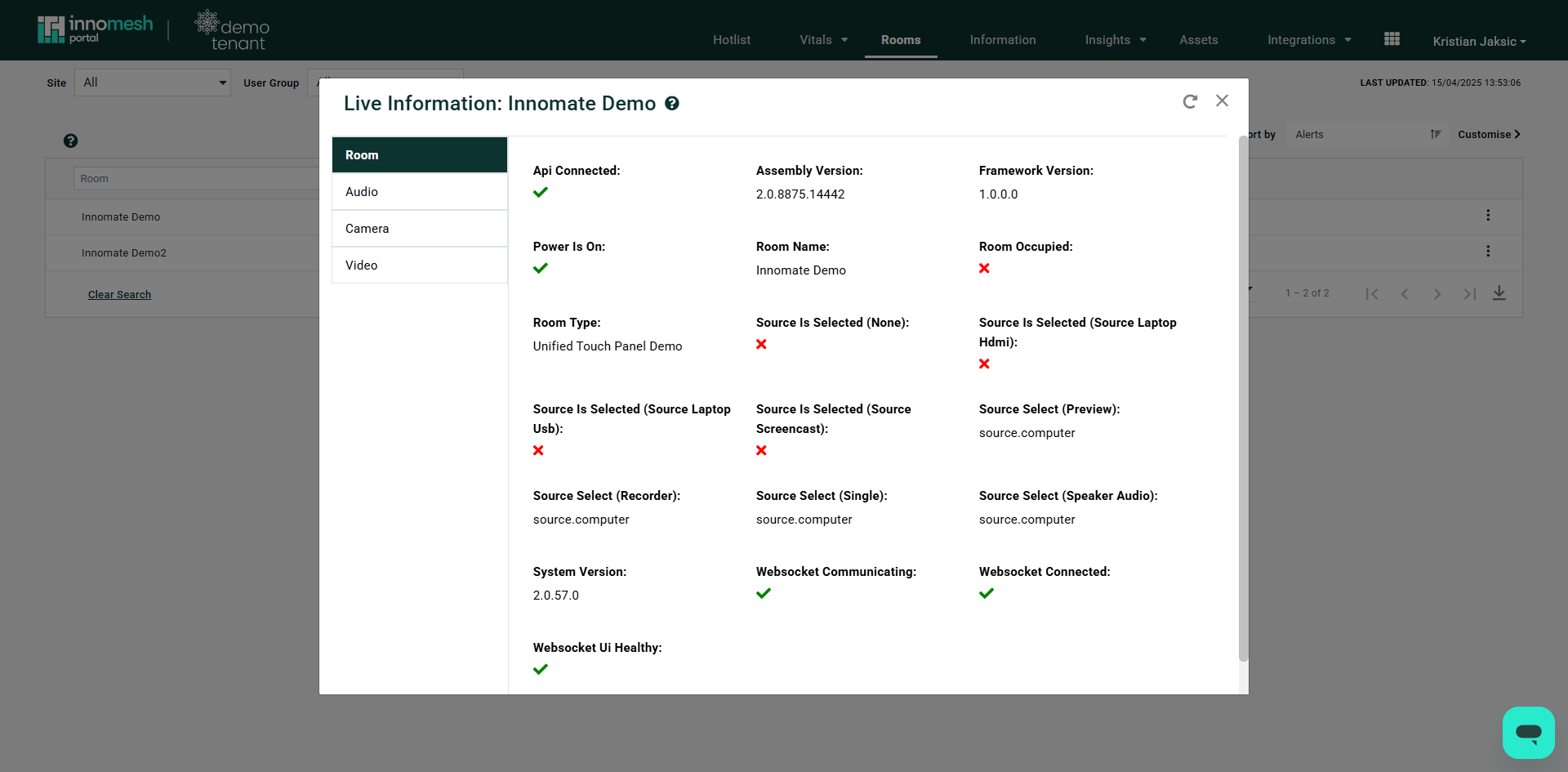 Room-level Live Status | Innomesh Portal
Device-Level Live Status
When opened for an individual device, Live Status pulls data specific to that device based on its driver configuration. Typical data points include:
- Category
- Preset
- Device ID
- IP address and port
- Communication status
- Connection status
- Manufacturer
- Name
- Power state and target
- Room name
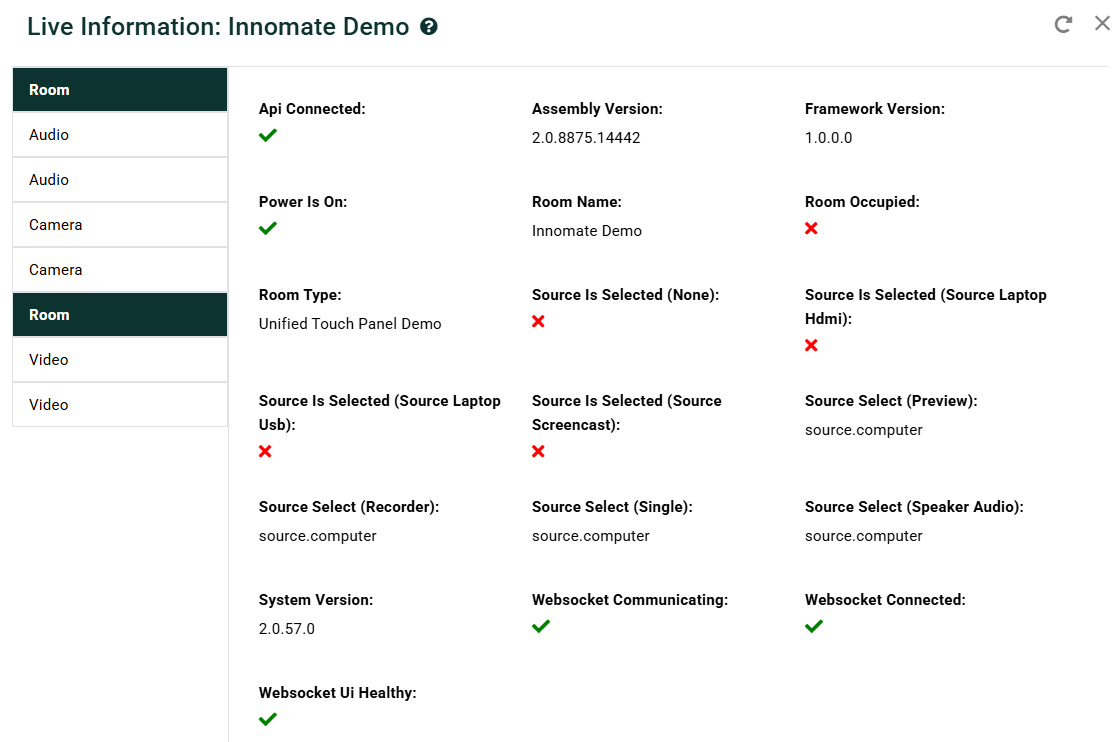 Device-level Live Status | Innomesh Portal
Accessing Live Status
You can open Live Status from several places in the Portal:
- From the Rooms page ellipsis menu, select Live Info.
- From the Room Support View launchpad, click View Live Info.
- From the Asset Information View, click the Live Status button.
The pop-up updates automatically and does not require a manual refresh.