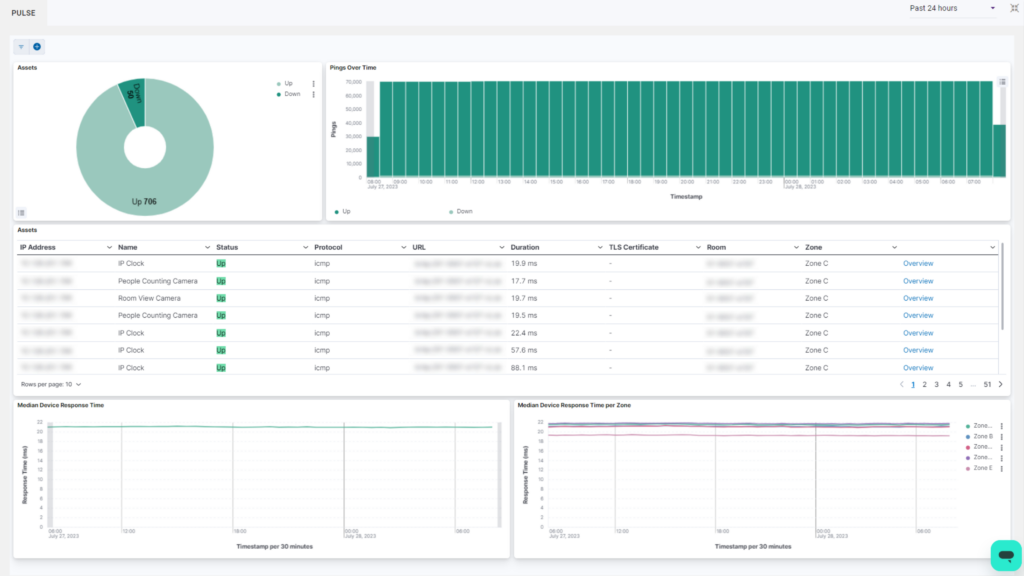
Pulse is Innomesh’s lightweight monitoring solution, distinguished by rapid event detection capabilities. The system can identify network events within seconds and notify you through the Hotlist.
Key Capabilities
Pulse monitors devices that cannot be centrally controlled, such as digital signage displays, room PCs, and booking panels. The solution tracks extensive metrics including:
- Response time analysis
- Uptime statistics
- Latency measurements
- Zone based response tracking
Connection Protocols
Pulse supports three connectivity methods:
- ICMP (Ping)
- HTTP
- TCP
Health Monitoring
A primary value of Pulse involves predictive failure detection. By monitoring device health statistics, administrators can identify degradation patterns before systems go offline, enabling proactive intervention.
Integration
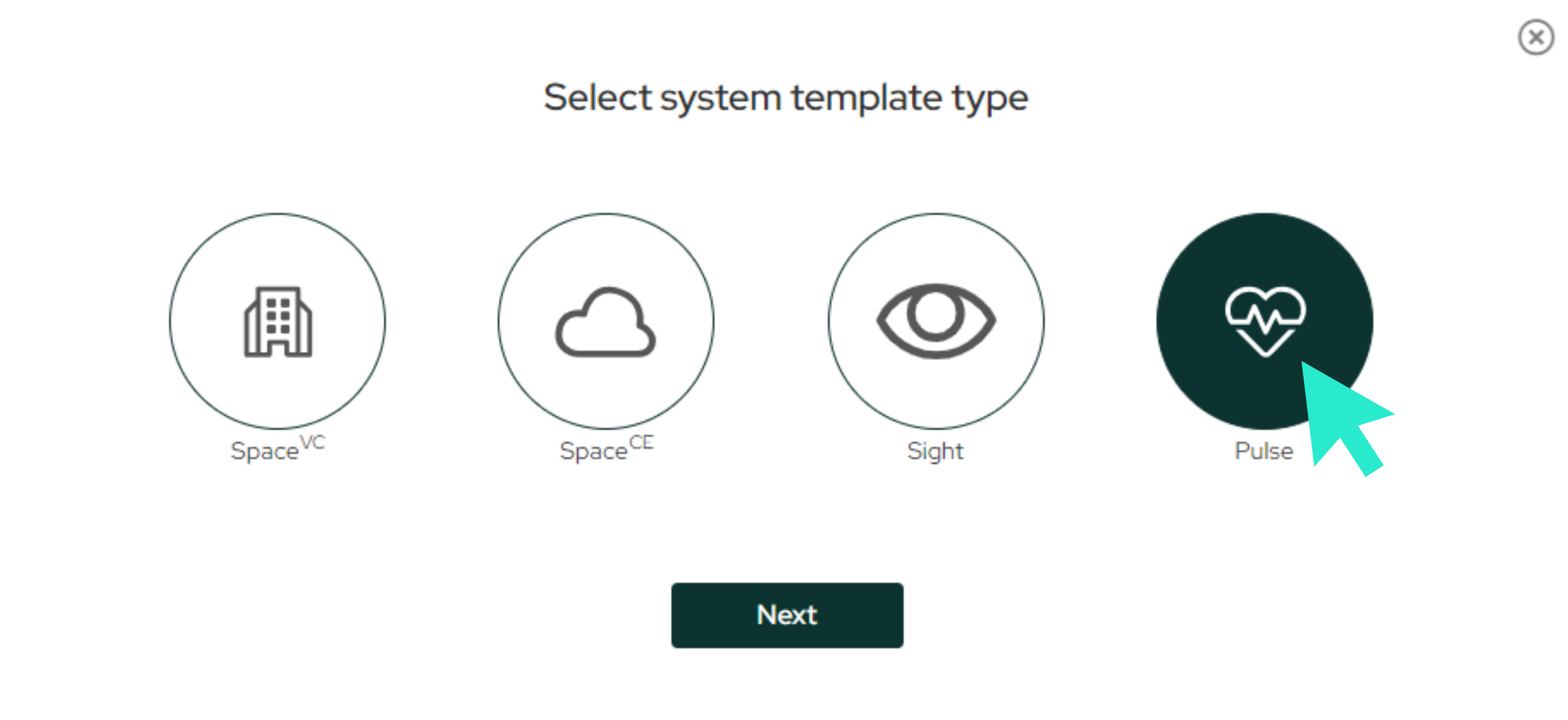
Users create Pulse rooms by selecting the Pulse option when building templates or rooms within the system. Health data appears in the Portal’s Vitals section under the Pulse tab, displaying device response metrics and uptime tracking.