

The Innomesh Room Manager is a web portal for creating, deploying, and managing Innomesh rooms, templates, zones, and server infrastructure.
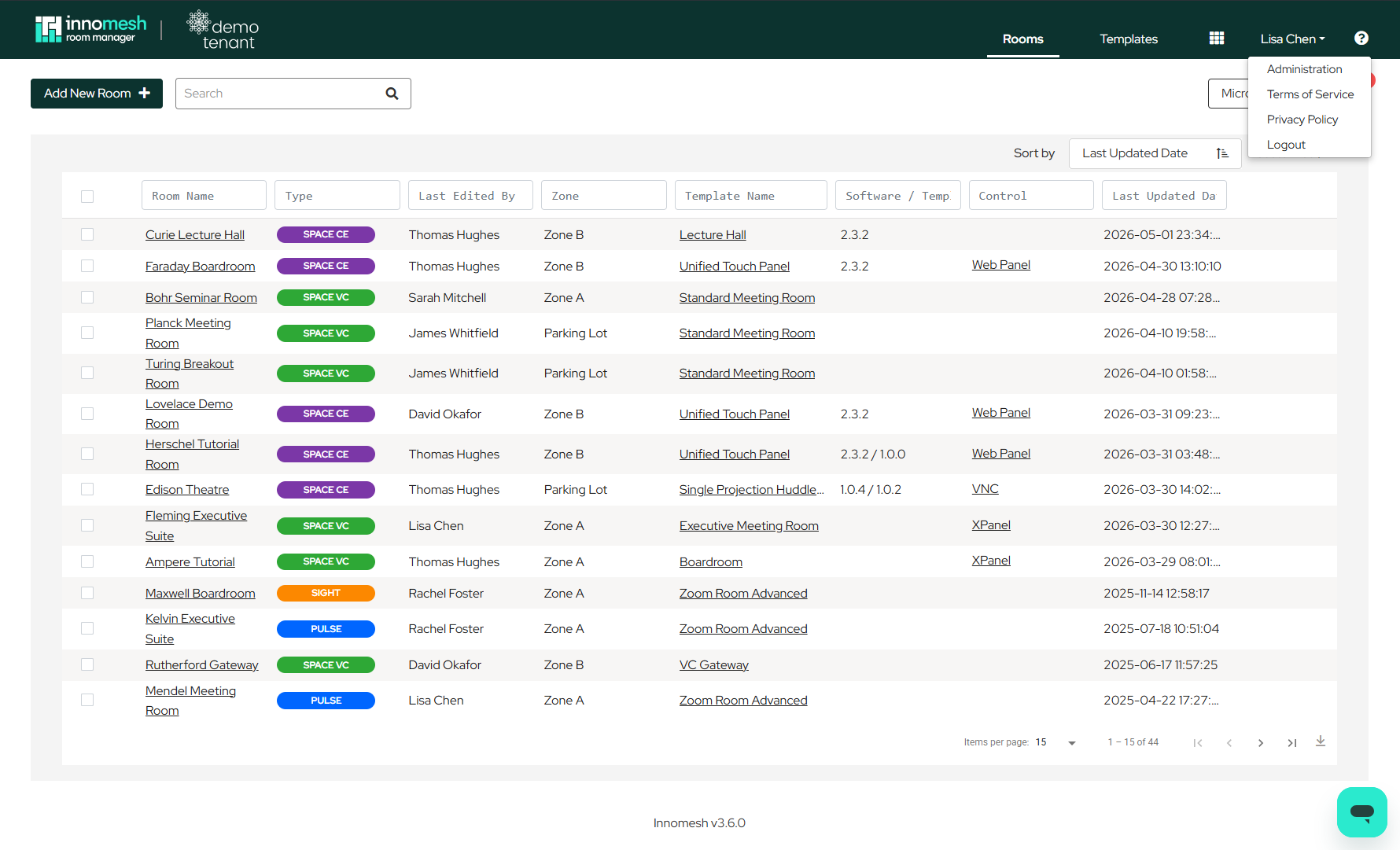
Logging In
Access to Room Manager requires single sign-on (SSO) credentials provided through your organisation’s Innomesh administrator. The system supports two default user access levels:
- Administrators: Full portal access including room management, template management, and administration functions.
- Standard Users: Access limited to room management only.
Users are typically logged out after 4 hours, though this may vary based on your organisation’s security policies.
Layout Overview
After logging in, the Room Manager interface is divided into three main sections: Rooms, Templates, and Administration.
Rooms
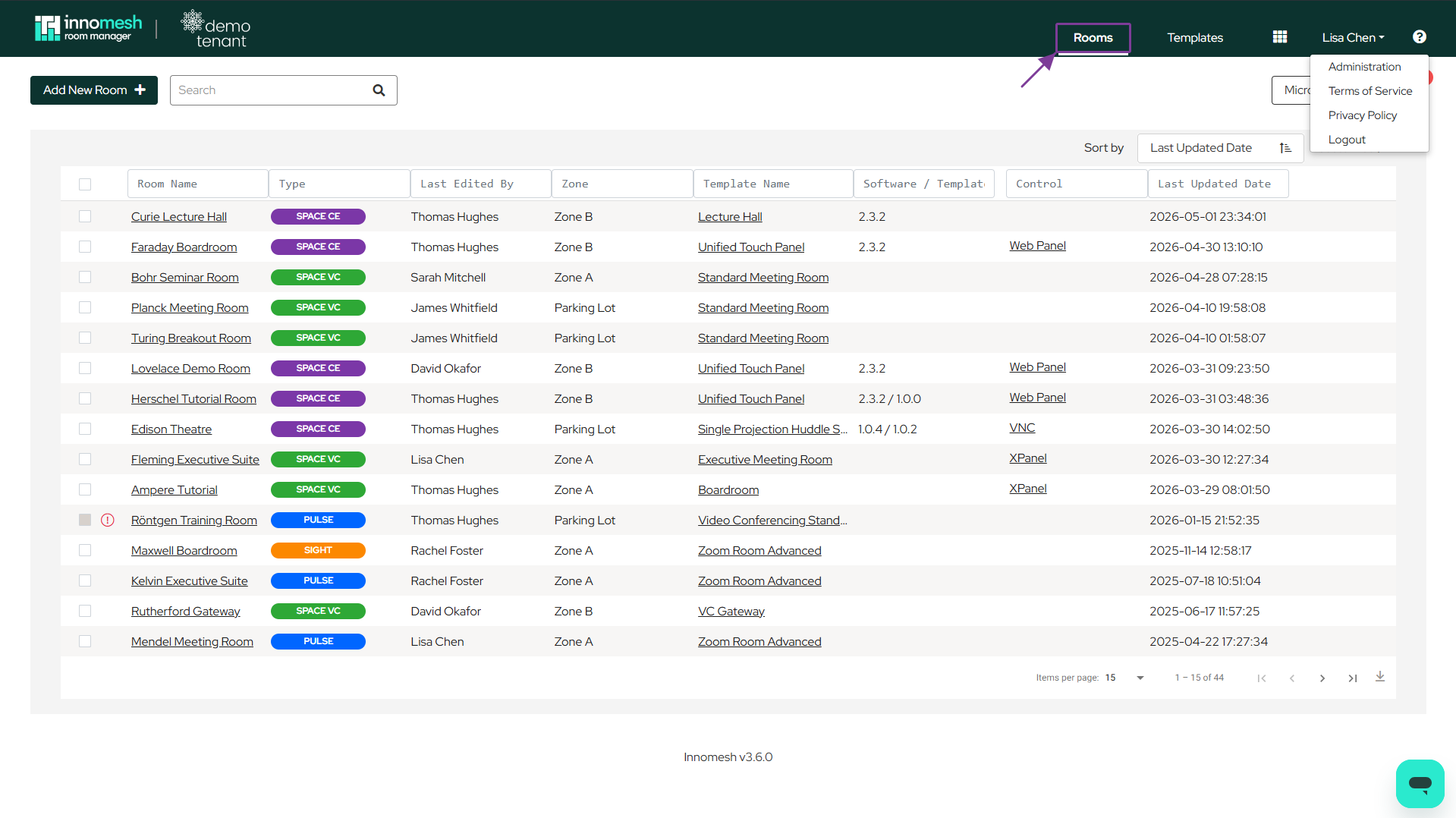
The Rooms section is the primary landing area after login. It handles onboarding and day-to-day management of rooms, supporting the following actions:
- Adding new rooms
- Editing existing room configurations
- Deleting rooms
- Updating room software
- Moving rooms between Innomesh zones
- Launching virtual touch panels or web panels for room control
Templates
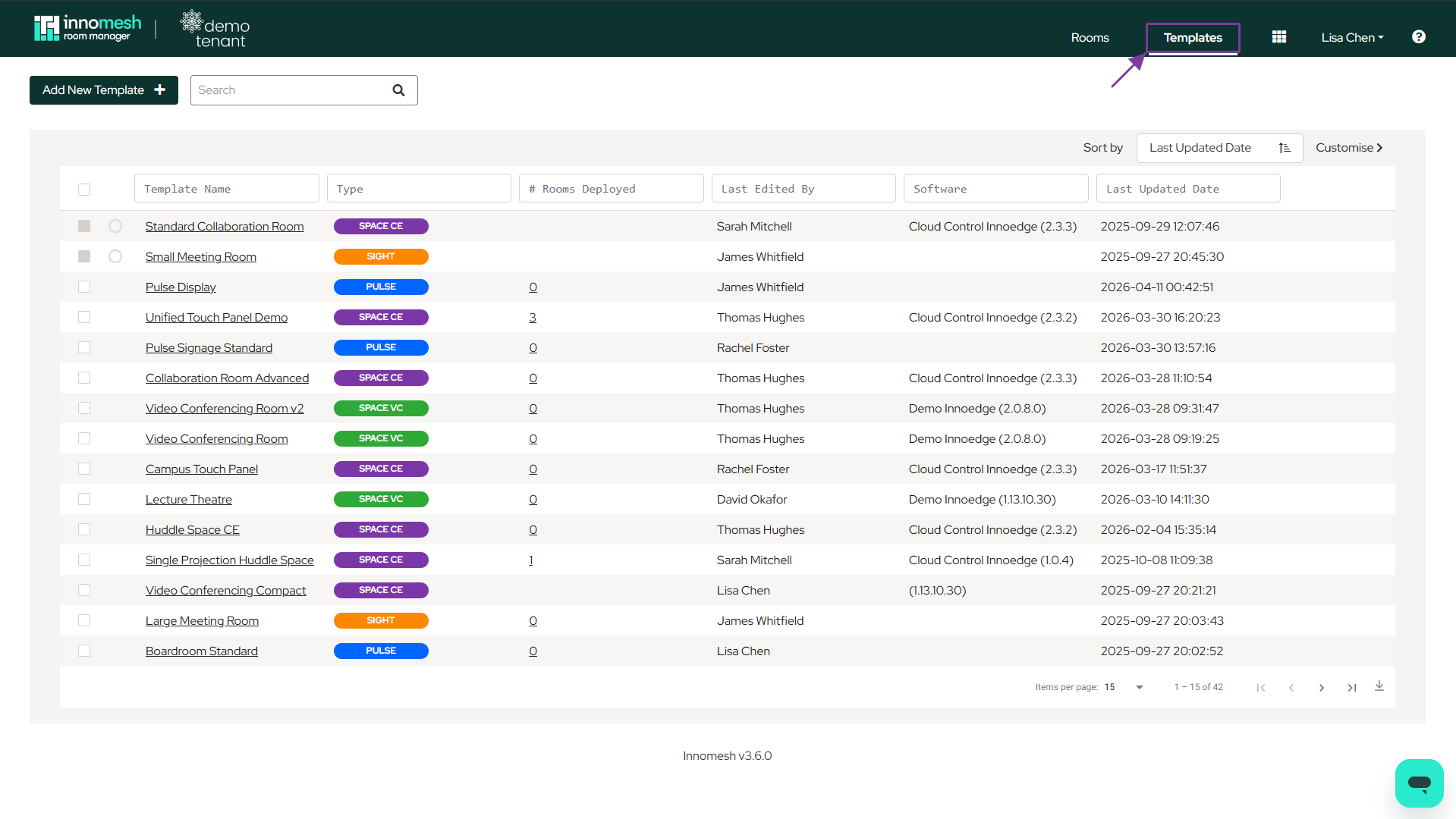
The Templates section manages system templates that define room configurations. From this section you can:
- Create new templates
- Edit and delete existing templates
- Update template software versions
- View deployment counts per template
Administration
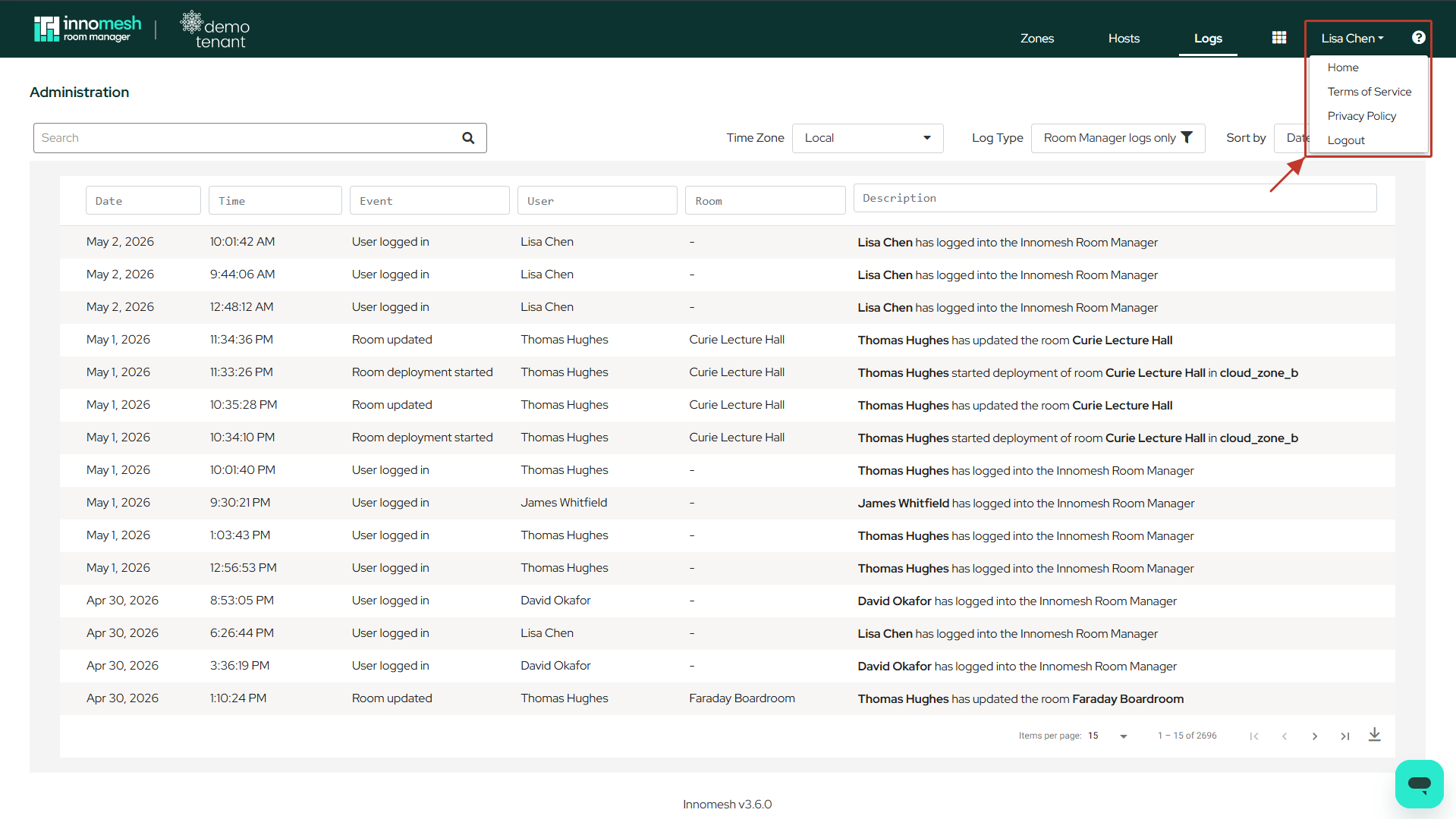
The Administration section handles infrastructure management. This includes:
- Managing Innomesh zones and hosts, including rotating the server to a zone, and disabling or enabling a host
- Viewing Innomesh event logs
Next Steps
For detailed guidance on navigating each section, see the following articles:
- Templates and Rooms: Understanding the relationship between templates and rooms
- Templates Page Navigation: Detailed walkthrough of the Templates interface
- Rooms Page Navigation: Detailed walkthrough of the Rooms interface
- Administration: Managing zones and hosts