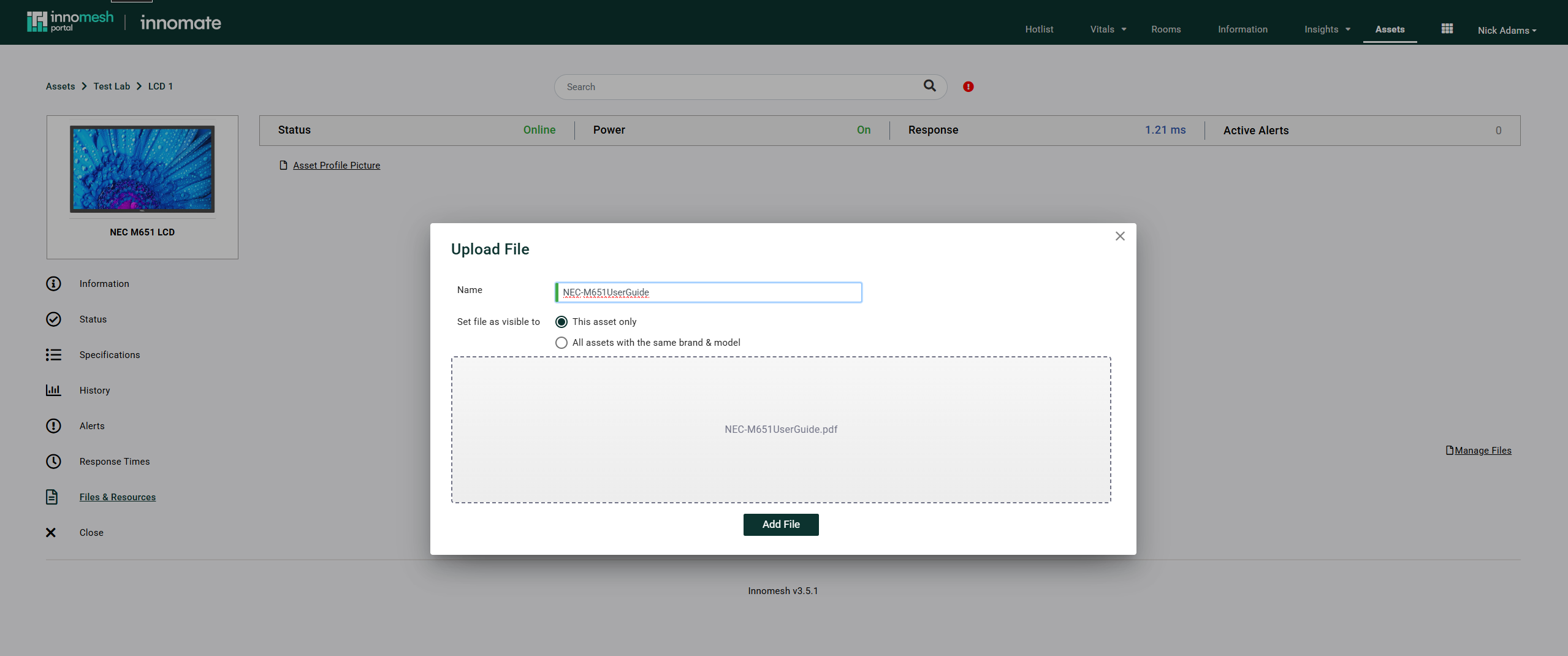
The Asset Information page (also called the Asset Support View) presents comprehensive details for a single device, organised into six tabs. It is the primary interface for reviewing device health, specifications, and history.
Accessing Asset Information
Click any row on the Assets page to open the Asset Information page for that device.
Tabs
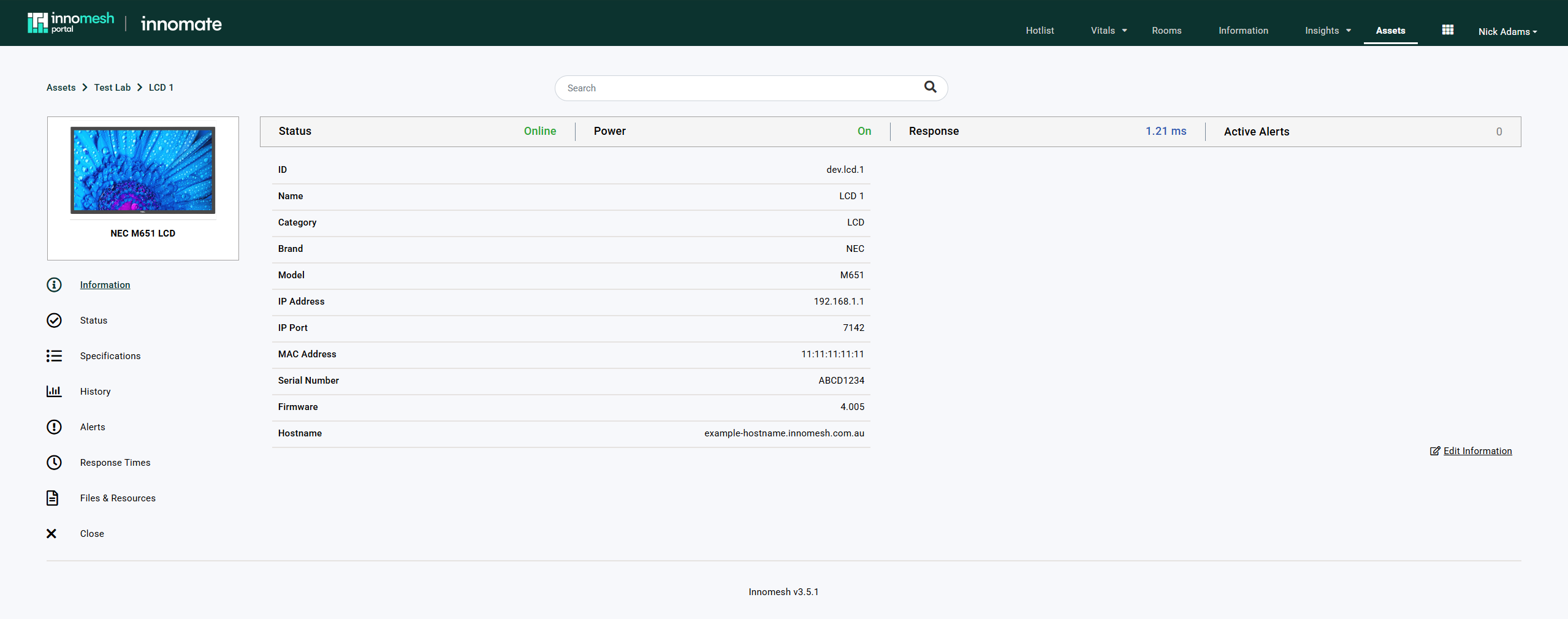
Information
The default landing tab displays both live data gathered from the device and manually entered details such as model number, serial number, and IP address. Information from the device’s asset profile is also shown here.
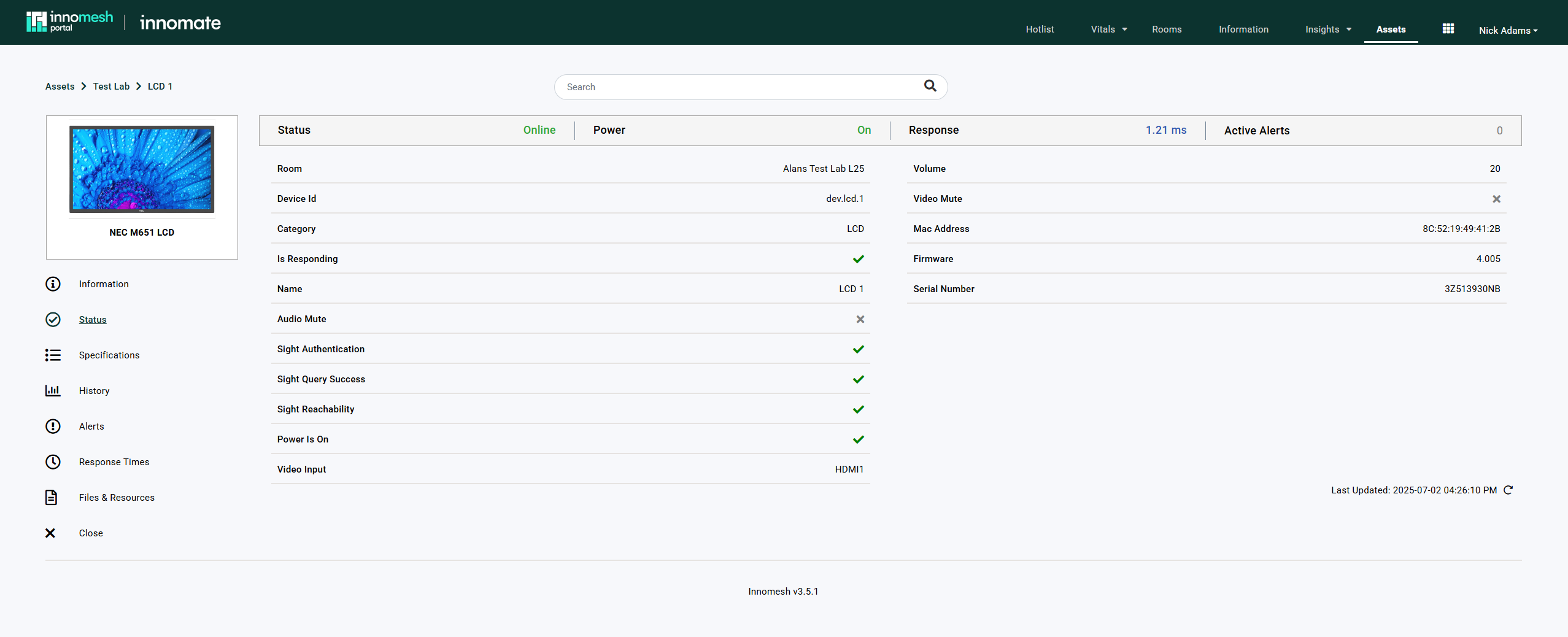
Status
Presents real-time operational status including online/offline indicators and device-specific states such as display source settings, microphone battery levels, or volume levels.
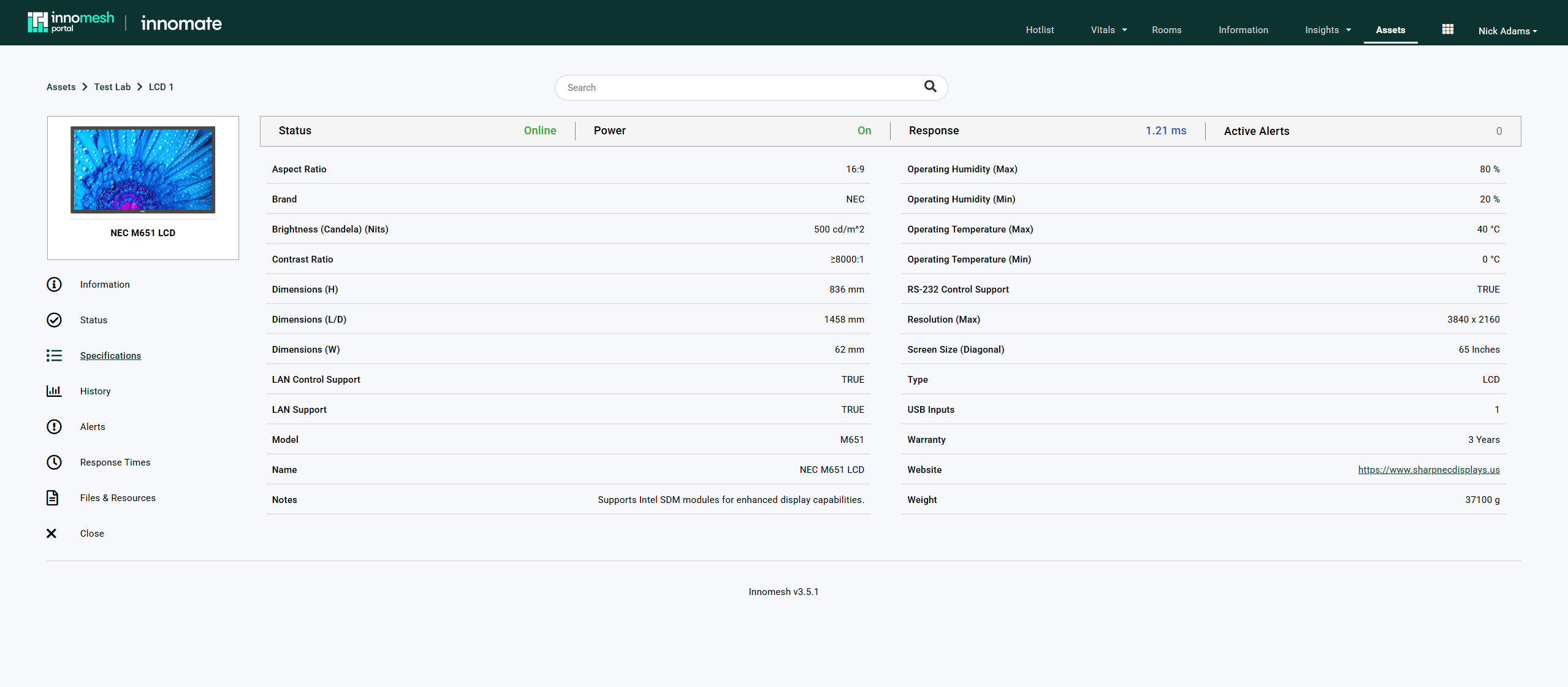
Specifications
Shows technical specifications sourced from the device’s asset profile and manufacturer data. This tab lets you assess device capabilities directly from the Portal without referring to external documentation.
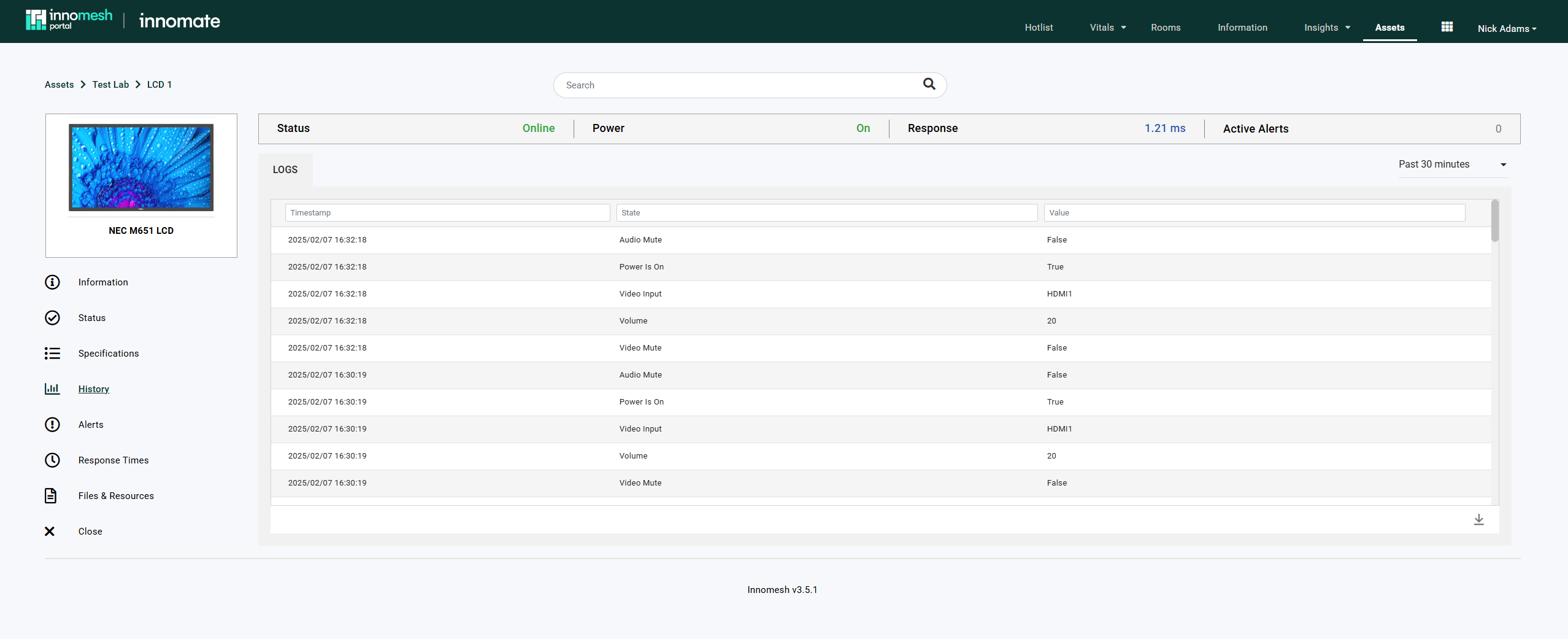
History
Provides a chronological record of device state changes over time, including source modifications and settings updates. The historical view assists with troubleshooting and helps identify patterns in device usage.
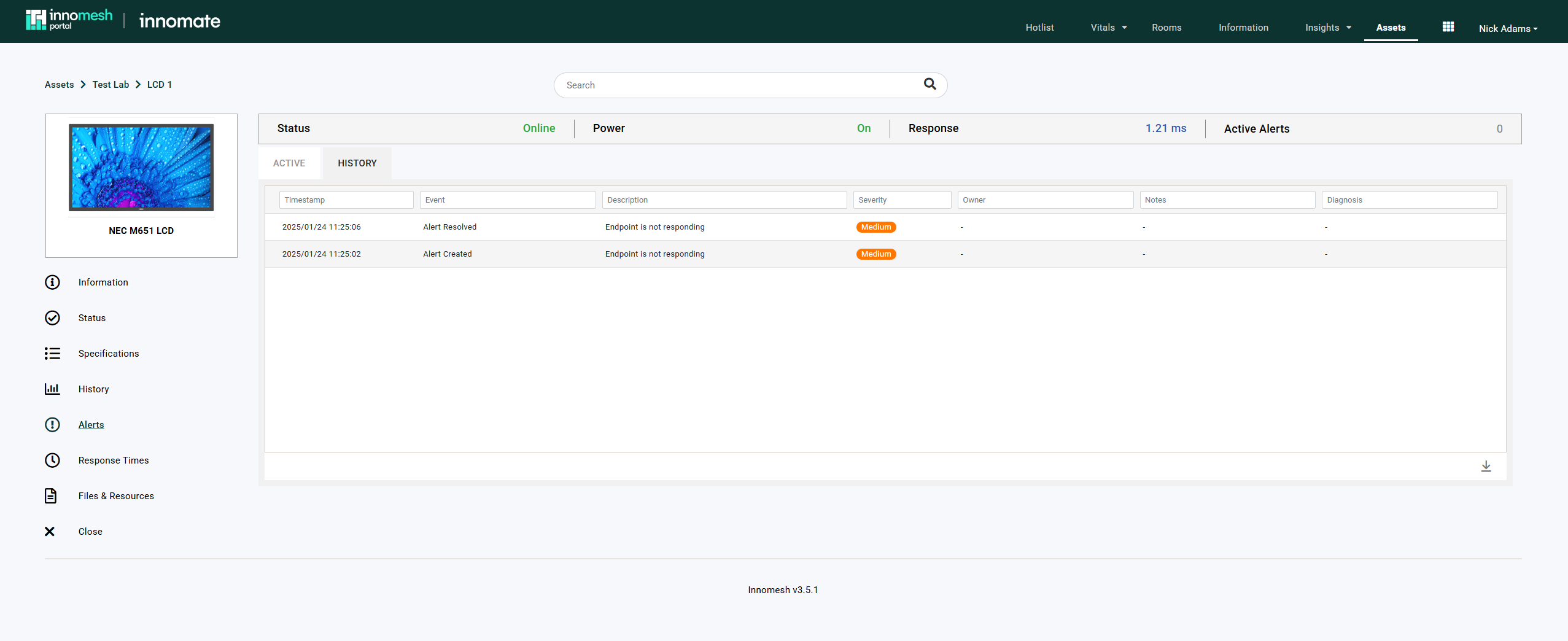
Alerts
Displays both active alerts and historical alert records for the device. Use this tab to identify recurring problems and track alert resolution progress.
Files and Resources
A centralised repository for documentation and materials related to the device, including user manuals, schematics, and configuration files. Files can be uploaded for individual devices or applied via the device’s asset profile.