

Sight is a cloud based monitoring solution that aggregates live data from room assets using native communication protocols. The system enriches device information with room and asset profiles to provide comprehensive visibility across multiple sites. When paired with Innomesh Ops, it enables bulk operations like device reboots and firmware updates.
Key Features
Asset Information Overview
Device data is automatically extracted using native protocols, allowing the system to pull any information devices can provide. This goes beyond basic network scanning to capture AV specific data.
Live Asset Data
The platform delivers real time status updates for continuous monitoring and management.

Richer Dashboards and Visualisations
All gathered device information displays on Innomesh dashboards alongside pulse data metrics.
UX Usage Pattern Analysis
The system tracks user engagement patterns to identify trends and anomalies, supporting data driven optimisation decisions.
Getting Started
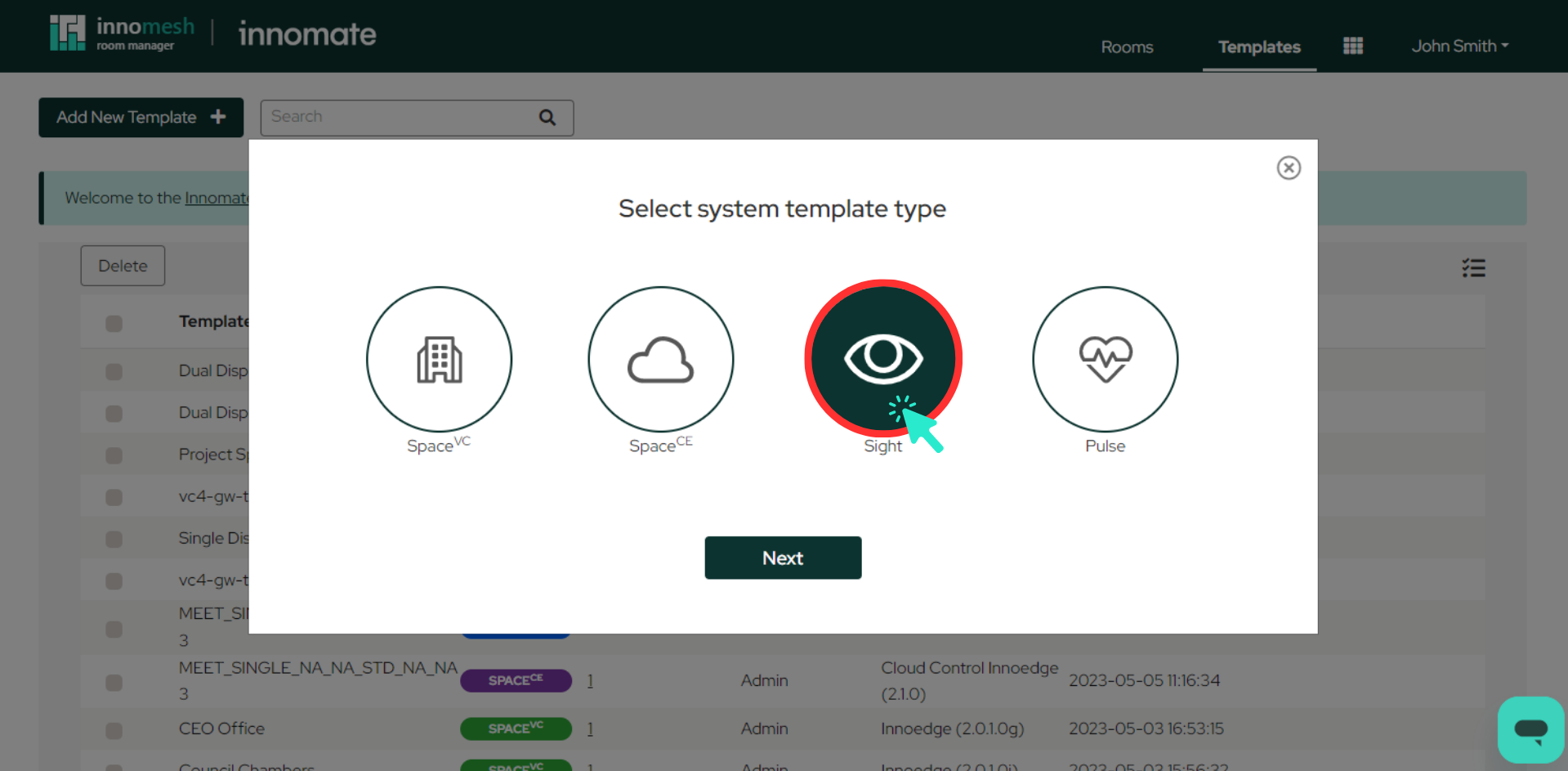
Setting up Sight follows a similar process to Pulse rooms but delivers more comprehensive data gathering for AV and IoT devices. See Creating a Sight Template and Creating a Sight Room to get started.