Innomesh offers several optional add-ons that extend the functionality of your environment. These integrations enhance room monitoring, device management, and communication workflows.
Slack, Microsoft Teams, and Mattermost Integration
The Portal Hotlist can integrate with messaging platforms to send automated alerts about room states, zones, and assets. Teams receive notifications through designated channels, with critical alerts routed to separate channels for high priority issues.
Separate channels can be created for specific critical-alert streams such as zone rotations and high-influx alert events, so operations teams are notified promptly when environment-wide issues occur.
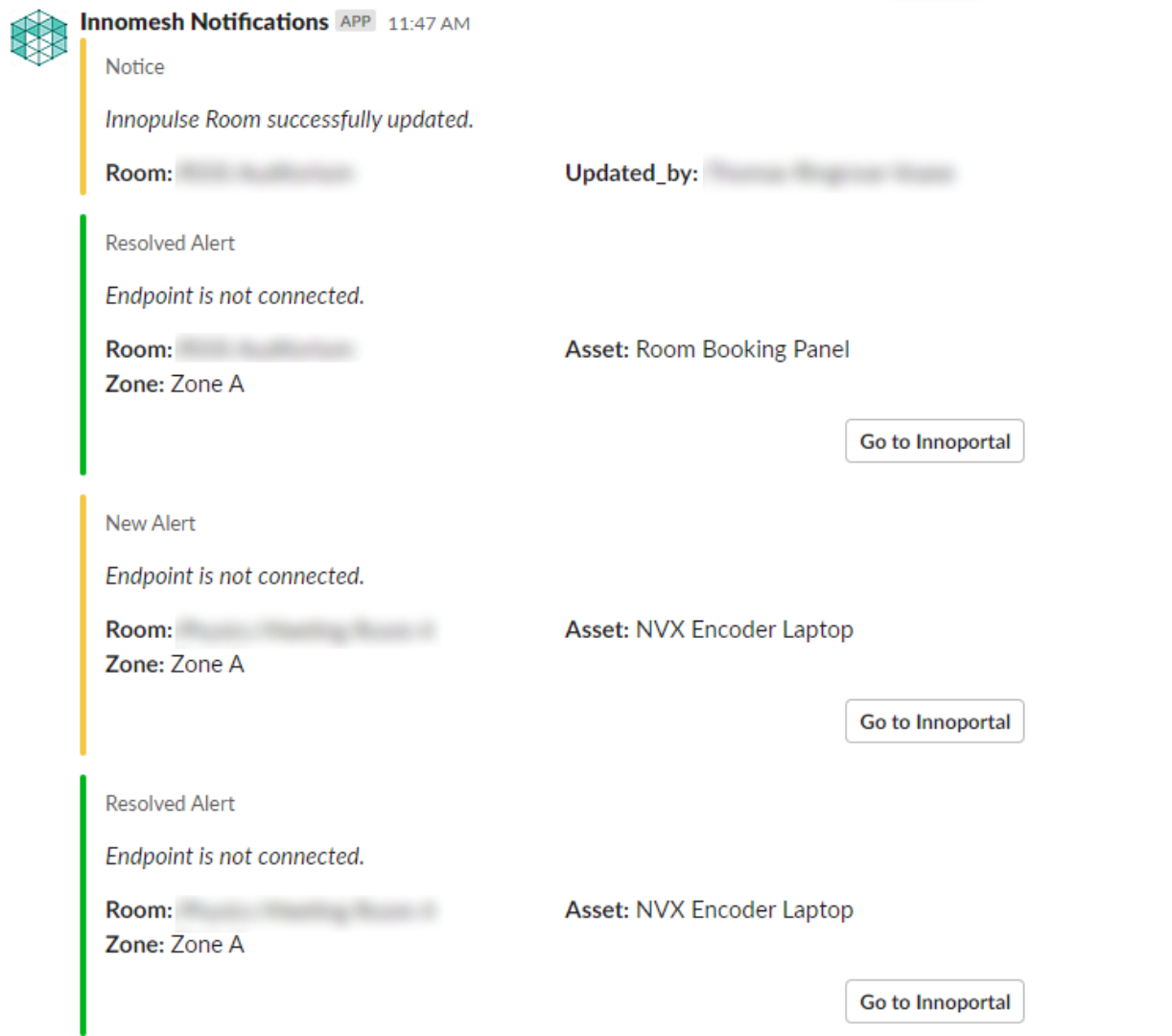 Slack Portal messaging Integration
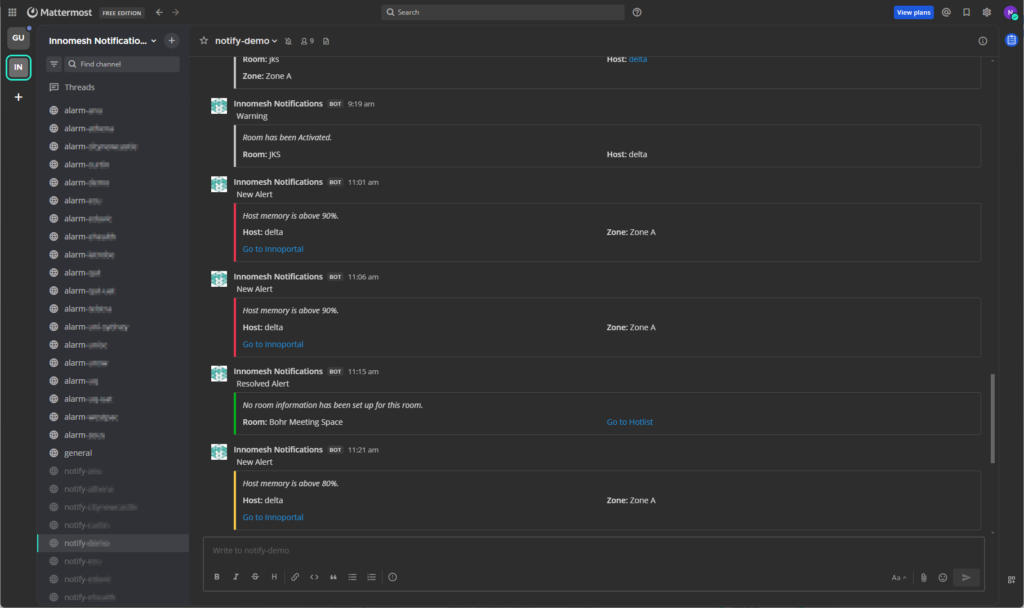 Mattermost Portal messaging Integration
Innomesh Ops
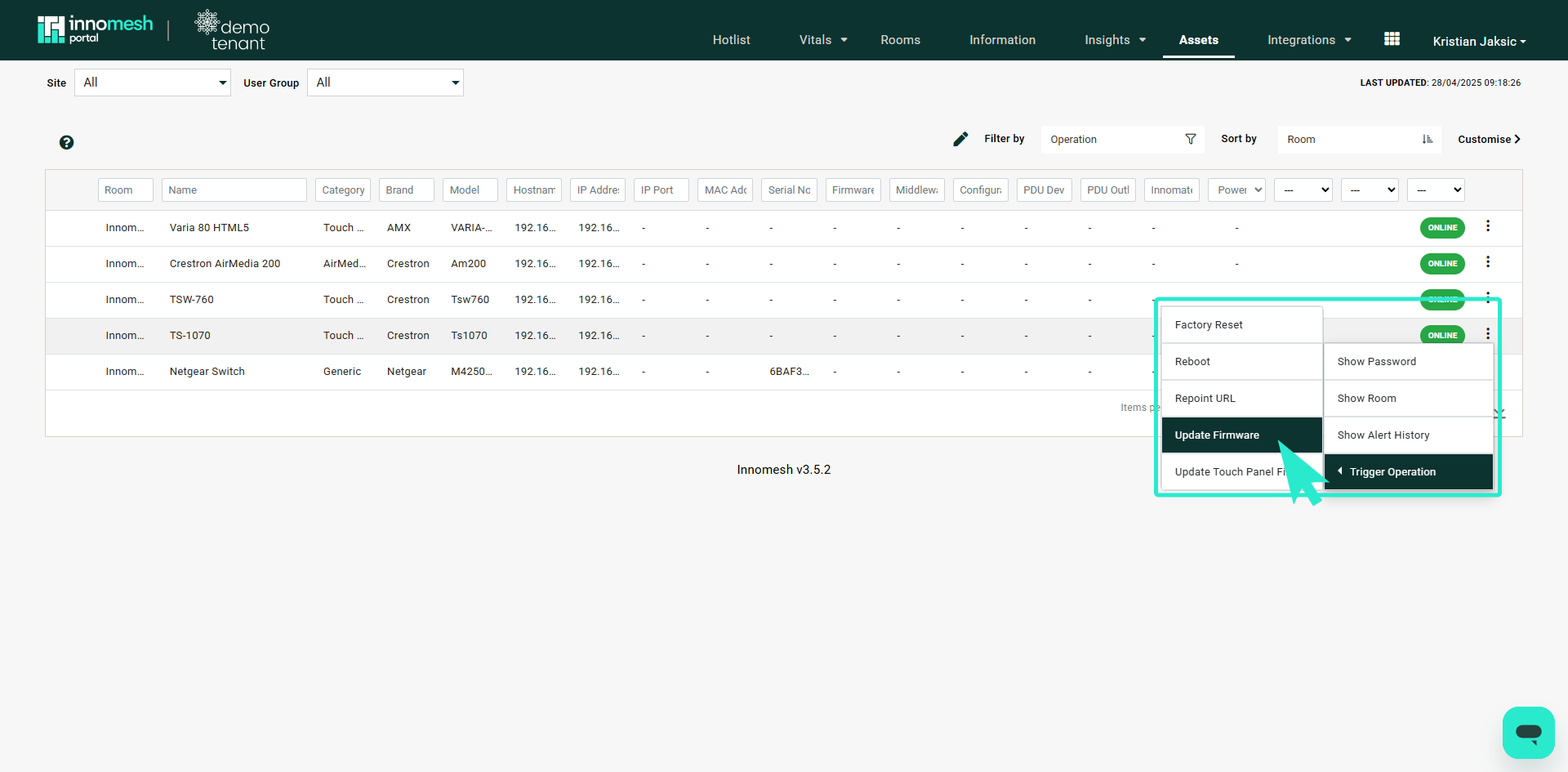
Innomesh Ops enables targeted management of audiovisual peripherals from supported vendors for Pulse and Space products. Features include preset recall, power controls, rebooting, and firmware upgrades triggered automatically based on alerts.
UC (Unified Communications)
Manages UC rooms through integrations supporting Microsoft Teams Rooms and Zoom Rooms, plus USB peripheral monitoring.
Information Tab
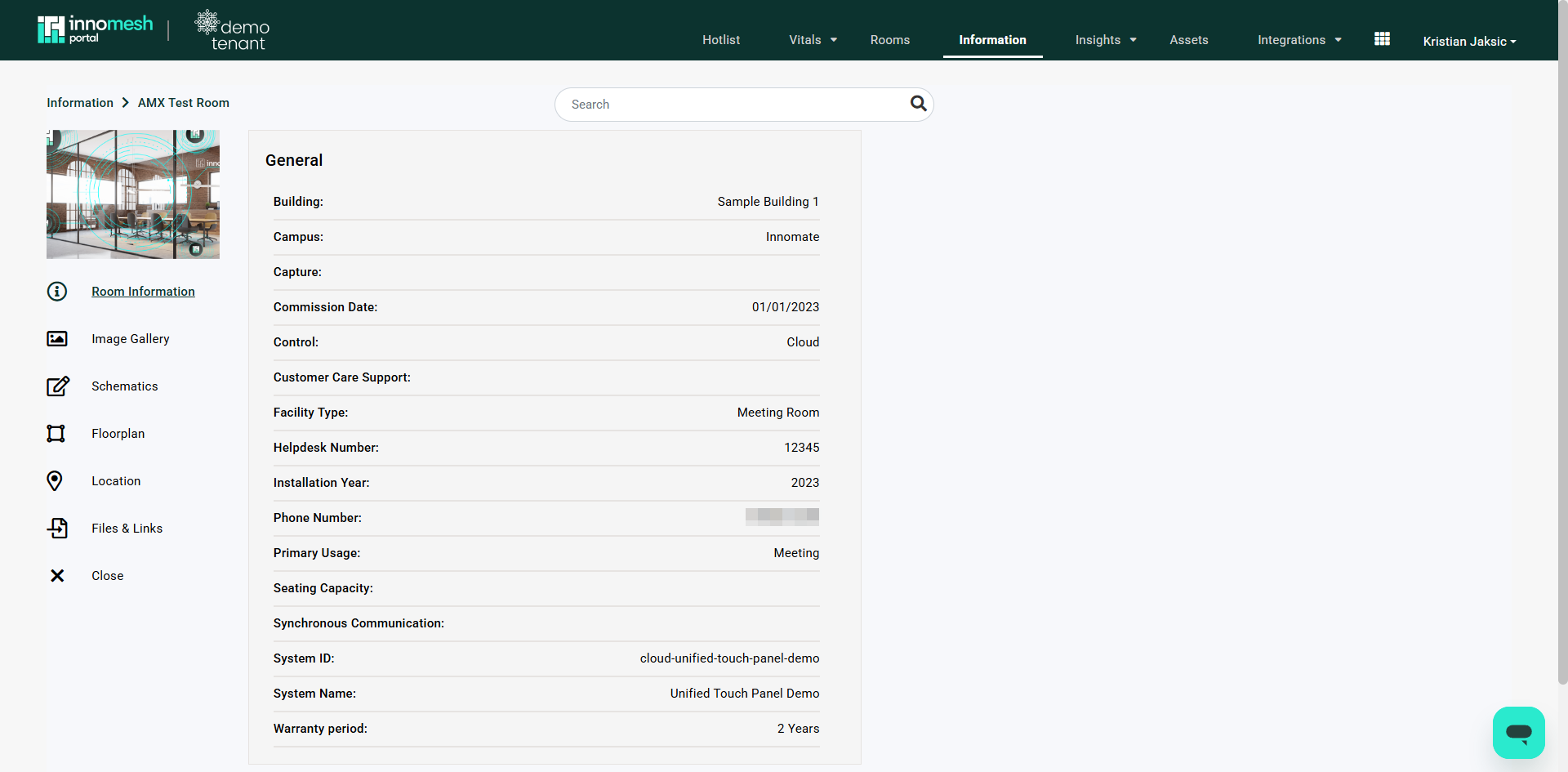
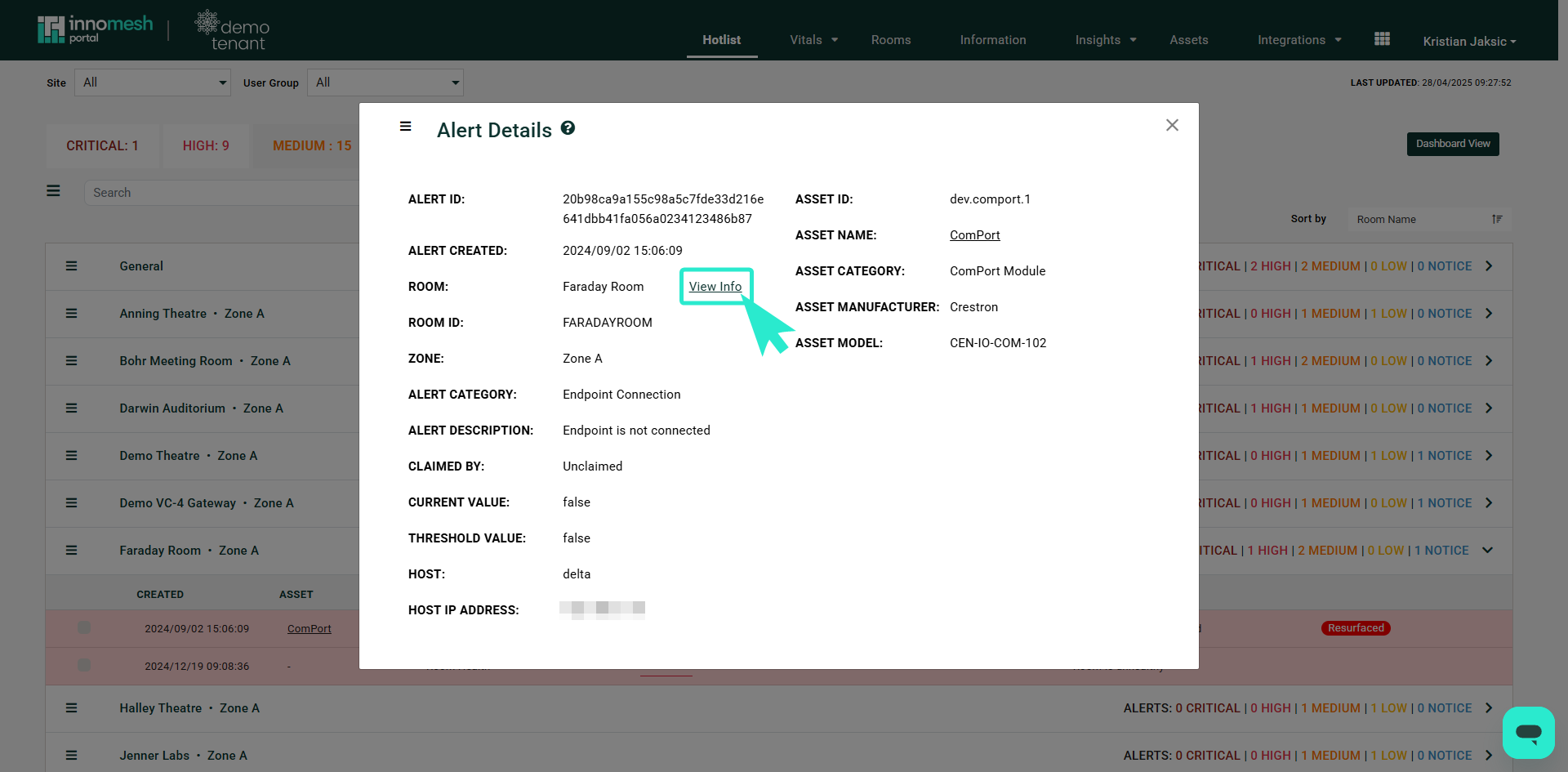
A user defined database within Portal for storing room images, configuration files, maps, and documentation. This feature links to other Portal sections like the Hotlist and Live Info pages.
ServiceNow Integration
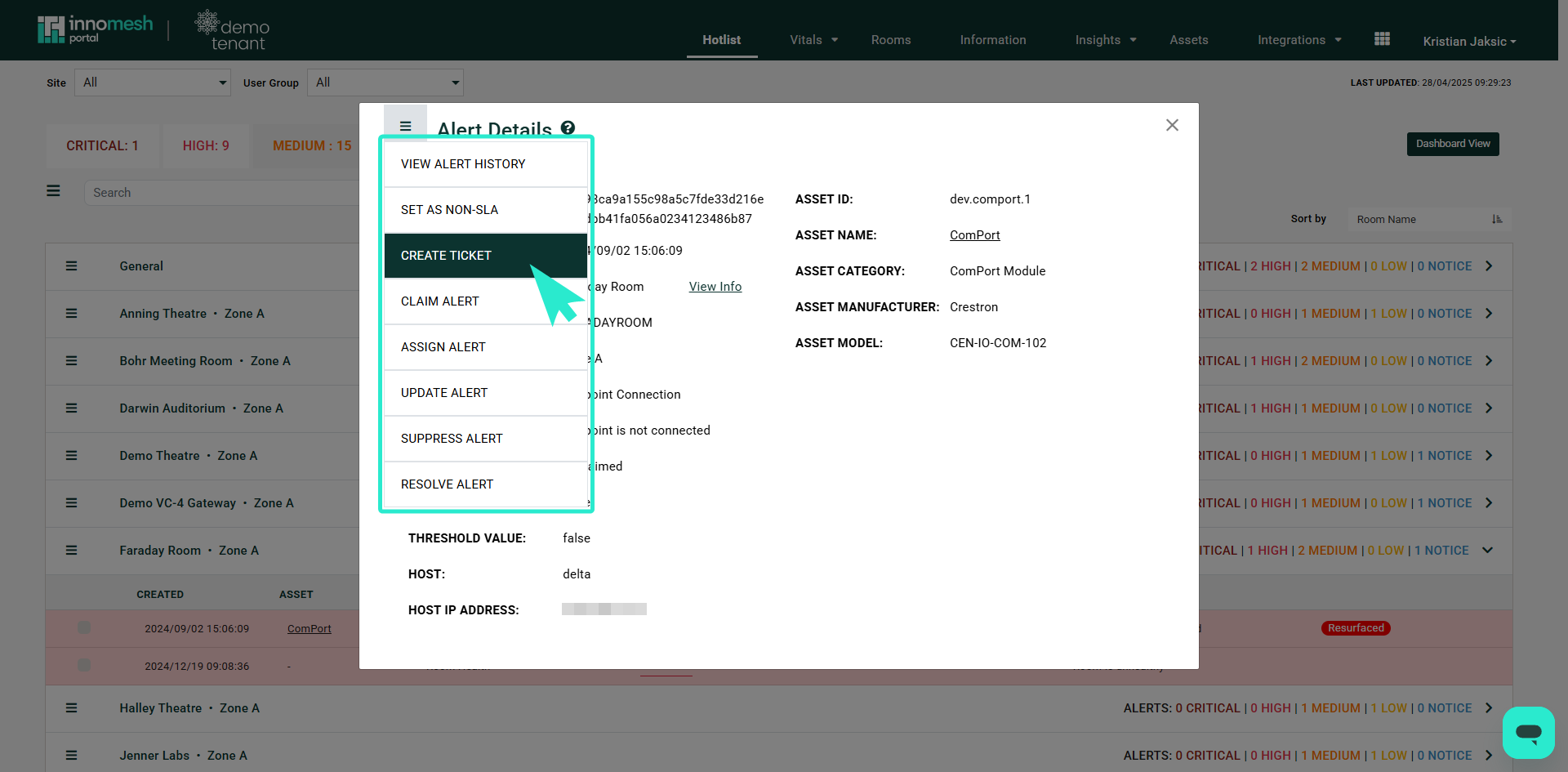
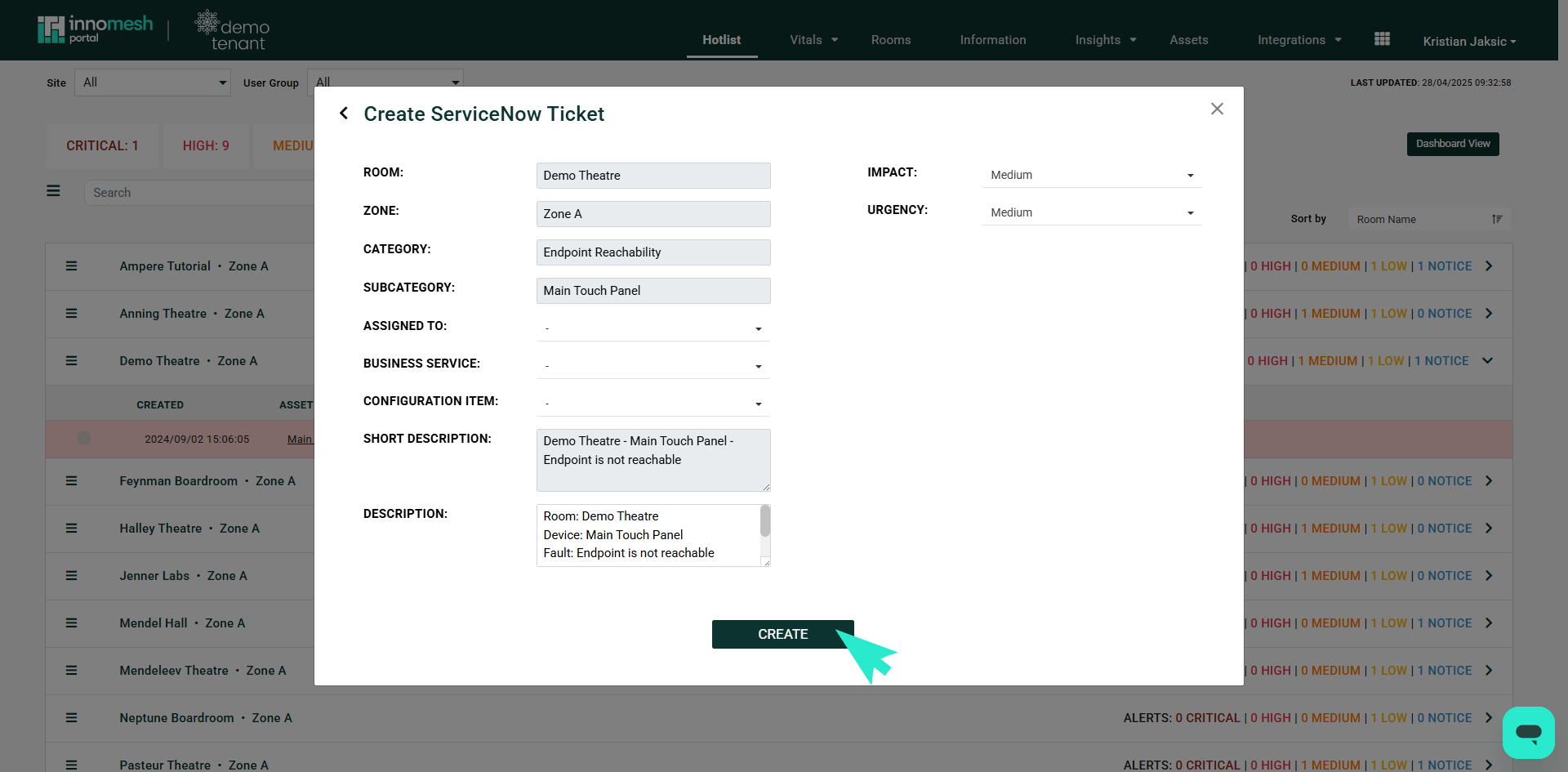
Hotlist alerts can generate ServiceNow tickets directly. Users select alerts, access options, and create tickets with auto populated descriptions. A Business Services dropdown allows ticket assignment to specific teams.
For implementation details and pricing, contact your Innomate representative.